

LearnDash is a solid LMS WordPress plugin. But depending on what you actually need, it might not be the right fit. Here are the nine best alternatives worth a proper look.
If you’re deep in the research phase for a WordPress LMS, LearnDash has probably already come up. There’s a reason for that – it’s been around since 2013, the course builder is genuinely solid, and plenty of developers swear by it.
For course builders who want detailed LMS controls and are comfortable in WordPress, it’s still a strong option.
That said, I’ve seen plenty of people start with LearnDash and find themselves bolting on extra plugins (ours included) once they realise the scope doesn’t quite cover what they need.
Memberships were only bundled in recently when MemberDash got absorbed following some notable (and potentially concerning) changes at the parent company community features and coaching tools aren’t part of it at all.
So if you want courses, membership, community, and coaching working together in one place, you’re still building a stack around LearnDash rather than starting from something integrated.
I’ve also included some SaaS options in the list for those who don’t mind the payoffs if it means they can avoid the WordPress setup altogether.
Here’s what the full range looks like, starting with the one I’d recommend.
What to Look For
Before we get into the list, a few things worth checking against your own situation:
- WordPress vs. hosted: Do you want to stay on your existing WordPress site, or are you open to a fully hosted platform? This shapes most of the other decisions.
- Courses only, or courses + membership + community?: If you want to gate content, sell subscriptions, run a community, or offer coaching alongside courses, a dedicated LMS plugin alone won’t cover everything.
- Total cost, not just the headline price: Add up hosting, payment processing, email, video storage, and any required add-ons before comparing.
- Platform stability: Given what just happened with StellarWP, it’s worth asking who owns the plugin you’re building on, whether the team is intact, and what the roadmap looks like. Not a dealbreaker on its own, but worth factoring in.
At a Glance
| Tool | Best For | Starting Price | WordPress Plugin? |
|---|---|---|---|
| MemberPress | WordPress courses + membership (coaching and community on higher plans) | From $199.50/year | Yes |
| LifterLMS | WordPress LMS with flexible add-ons | Free (premium from $149.50/year) | Yes |
| Tutor LMS | Modern WordPress course builder | Free (premium from $199/year) | Yes |
| Sensei LMS | WooCommerce-integrated course sites | Free (Pro at $179/year) | Yes |
| LearnPress | Budget/beginner WordPress LMS | Free (add-ons from $30) | Yes |
| Teachable | Hosted platform, fast setup | $29/month (annual) | No |
| Thinkific | Hosted platform, clean UX | $36/month (annual) | No |
| Kajabi | Premium all-in-one for serious course businesses | $143/month (annual) | No |
| EzyCourse | All-in-one: courses, community, coaching, email | From $55/month (Essential, annual) | No |
WordPress LMS
LearnDash Alternatives
1. MemberPress
Best All-In-One WordPress Plugin
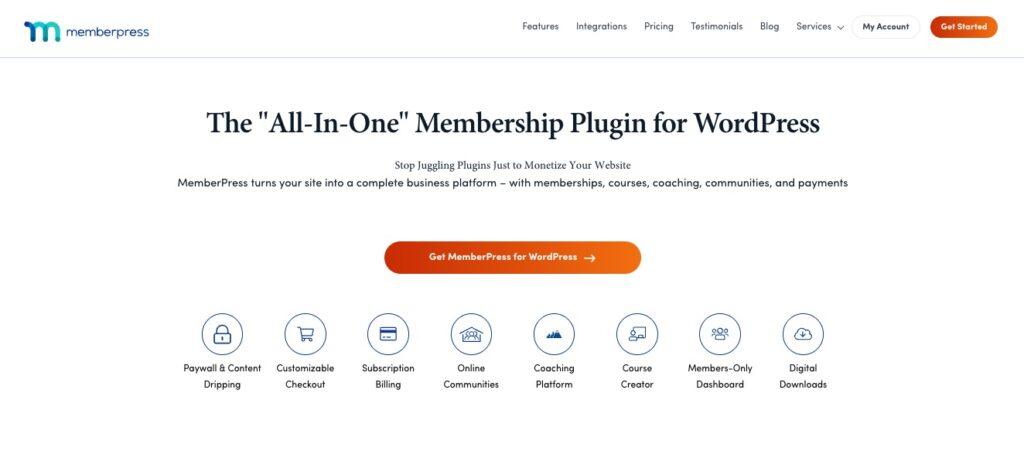
A lot of people still think of MemberPress as a membership plugin that tacked on courses as an afterthought. That’s not where it is anymore.
The Courses add-on has matured into a proper LMS. And when you stack it with the membership and community side, you get something LearnDash genuinely can’t match at any price point.
Courses, memberships, community, and coaching are all in one plugin, from one independent company that isn’t mid-restructure.
We’ve added more and more to our feature set in the last couple of years (and we’re still going) and most reviews online haven’t caught up.
MemberPress Courses now includes:
- 9 quiz types,
- assignments with file/link submission,
- a full gradebook,
- an AI course and quiz generator,
- and content dripping by course start date, or by lesson/quiz/assignment completion.
And as always MemberPress Courses offers:
- unlimited courses, lessons, and quizzes,
- progress tracking,
- and completion certificates.
Additionally the CoachKit™ add on adds
- cohort management,
- coaching programs,
- milestone tracking,
- and habit tracking
for anything more structured than self-paced courses.
ClubSuite™ covers the community side:
- ClubCircles™ for discussion boards,
- ClubDirectory™ for member profiles and directories, and
- ClubConnect™ for real-time direct messaging between students, coaches, and admins.
The integration piece matters too. Because memberships and courses live in the same plugin, access control is native. You gate course content by membership tier without a separate rules plugin.
On the stability question: MemberPress is built and maintained by Caseproof, an independent company. Not private equity, not a managed hosting company with a portfolio to rationalize.
While StellarWP was consolidating and cutting teams, MemberPress built ClubSuite™ in Q4 2025, and the AppKit mobile app builder and ClubConnect™ in Q1 2026.
That trajectory is important to consider if you’re choosing a platform for the long term.
Best for: WordPress site owners who want courses, membership, community, and coaching covered by one plugin (or the option to scale into these features as they grow) and who want that plugin to have a stable, independent team behind it.
Pricing: Growth plan from $349.50/year (intro; $699/year renewal), 0% transaction fees, includes full Courses add-on, CoachKit™, and ClubSuite™. Launch plan from $199.50/year (intro) if you don’t need community/coaching, but carries a 4.9% transaction fee. 14-day money-back guarantee.
Key features:
- 9 quiz types, assignments, gradebook, completion certificates
- AI Course Generator and AI Quiz Generator on all plans
- Course content dripping
- CoachKit™ for cohorts, coaching programs, milestones, and habit tracking
- ClubSuite™ (ClubCircles™, ClubDirectory™, ClubConnect™) for community features
- ReadyLaunch™ for fast site setup
- Native payment integrations: Stripe, PayPal, and more
- Built-in LearnDash migrator — moves courses, lessons, quizzes, and user progress automatically
Pros:
- Courses + membership + community + coaching without additional plugins
- Independent company with an active development track record — 4.8/5 on Trustpilot
- Has no community or coaching equivalent in LearnDash at any plan level
Cons:
- Requires WordPress — not an option if you want a fully hosted platform
- No native gamification (points, badges) — LearnDash has this, MemberPress doesn’t, though it does integrate with GamiPress.
2. LifterLMS
Best for Flexible WordPress LMS Builds

LifterLMS is the WordPress LMS that most often comes up when people are comparing it directly to LearnDash.
The free core plugin is genuinely usable, not just a teaser.
You can create real courses, quizzes, and student management without paying anything upfront, which makes it a low-risk starting point if you’re still figuring out what you need.
The premium add-on bundles are where it gets more interesting.
The Earth Bundle ($149.50/year) covers the fundamentals, while the Universe Bundle ($249.50/year) adds more payment options, email integrations, and gamification features like badges and certificates.
The pricing model is modular. You can add what you need rather than paying for a monolithic plan. That said, costs can creep up if you start stacking add-ons.
Best for: WordPress developers or site owners who want a solid free starting point and the ability to build out features incrementally – useful for agencies running multiple course sites on different budgets.
Pricing: Free core plugin. Earth Bundle at $149.50/year, Universe Bundle at $249.50/year, Infinity Bundle at $749.50/year.
Key features:
- Free core plugin with unlimited courses, lessons, and quizzes
- Gamification: badges, certificates, and achievement tracking
- Student reporting and analytics across courses
- WooCommerce, Stripe, and MailChimp integrations
Pros:
- Free tier is genuinely functional
- Modular add-on model means you only pay for what you use
- Active developer community and solid documentation
Cons:
- Costs can add up if you need multiple premium add-ons
- Interface is less polished than some newer alternatives
3. Tutor LMS
Best for a Modern WordPress Course Builder
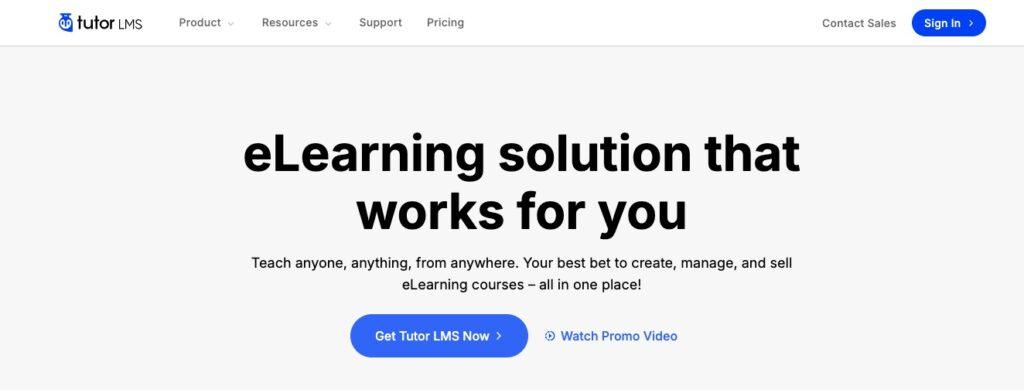
If one of your complaints about LearnDash is that the course creation interface feels dated, Tutor LMS is probably the most direct answer.
It’s built around a frontend course builder, meaning you can build and preview your courses in the actual learner view, not just a backend editor. And it’s noticeably cleaner to use than most WordPress LMS options.
The free plugin covers the basics: course creation, a quiz builder with 10 question types, student management, and basic reporting.
The premium tiers (Individual at $199/year, Business at $399/year, Agency at $799/year) unlock add-ons for things like certificates, assignments, multi-instructor support, and advanced email notifications.
Lifetime licenses are available as one-time payments if recurring annual fees bother you.
Tutor LMS integrates with WooCommerce and Paid Memberships Pro for monetization, which works well enough, though it doesn’t have native membership features the way MemberPress does.
Best for: WordPress course creators who prioritize a clean, modern content creation experience, especially solo educators or small teams publishing multiple courses.
Pricing: Free core plugin. Premium from $199/year. Lifetime plans from $499 (one-time).
Key features:
- Frontend drag-and-drop course builder
- 10 quiz question types, including image matching and short answer
- Multi-instructor support (premium)
- Certificates and assignments included in premium tiers
- No transaction fees on any plan
Pros:
- Among the most user-friendly course builders in the WordPress space
- 30-day money-back guarantee on premium plans
- Lifetime license option removes ongoing annual fee concern
Cons:
- Native membership/access control is limited. You’ll need WooCommerce or a separate plugin for paywalling
- Reporting and analytics not as deep as LearnDash at the premium tier
4. Sensei LMS
Best for WooCommerce-First Sites
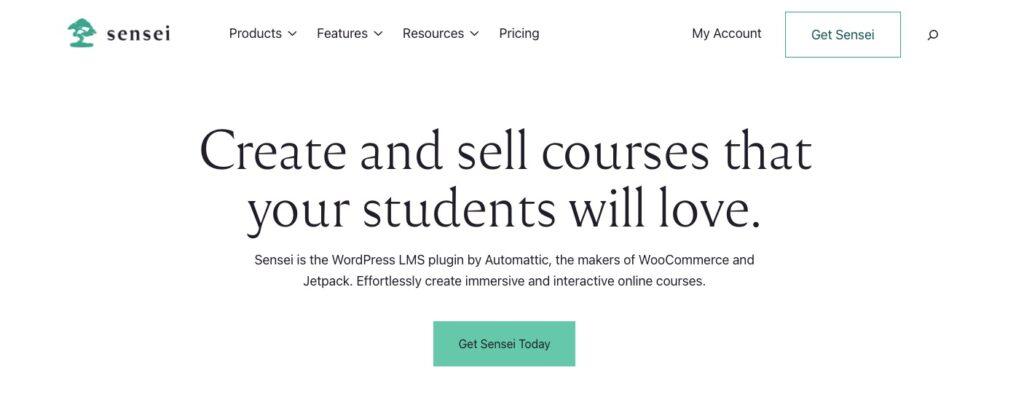
If your WordPress site already runs on WooCommerce (you’re selling products, managing subscriptions, or processing payments through it) Sensei LMS is the path of least resistance.
It’s built by Automattic (the company behind WordPress.com and WooCommerce), which means the WooCommerce integration is native, not bolted on.
The free version is useful enough for basic course sites. Sensei Pro at $179/year adds content dripping, groups and cohorts, AI-assisted course generation, and a distraction-free course template.
The block-based design feels native to WordPress in a way that some LMS plugins don’t. Sensei uses the Gutenberg editor throughout, so if you’re comfortable there, the learning curve is minimal.
One honest caveat: Sensei’s feature set isn’t as deep as LearnDash at the higher end.
If you need advanced quiz logic, detailed per-student analytics, or complex conditional access, you’ll hit Sensei’s limits fairly quickly. But for a clean, WooCommerce-powered course site, it’s hard to beat for simplicity.
Best for: WordPress site owners already using WooCommerce who want to add courses without introducing a separate payment stack.
Pricing: Free core plugin. Sensei Pro at $179/year. Agency Plan at $360/year.
Key features:
- Native WooCommerce integration for course sales and payments
- Content dripping and cohort management (Pro)
- Block-based course creation using the Gutenberg editor
- AI course outline generator (Pro)
- 14-day refund guarantee
Pros:
- Feels like a native part of WordPress (consistent editor experience)
- WooCommerce integration is genuinely seamless, not an afterthought
- Relatively affordable Pro tier
Cons:
- More limited quiz types and analytics compared to LearnDash or Tutor LMS
- Less suitable if your needs go beyond basic course delivery
5. LearnPress
Best Free Option for Budget Builders

LearnPress is the most popular free WordPress LMS plugin.
The core plugin is available from WordPress.org with no artificial feature restrictions. You get unlimited courses, lessons, and quizzes, a drag-and-drop course builder, and PayPal integration out of the box.
For someone just getting started with online courses and not ready to commit to a paid platform, it’s a genuinely reasonable starting point.
The modular approach to premium features is a plus: individual add-ons run $30–$49 each, and the full premium add-on bundle is a one-time payment of $299 (no annual subscription).
The tradeoff is that LearnPress shows its budget nature in certain areas. The interface isn’t the slickest, support is community-based rather than dedicated, and more advanced features require stacking add-ons.
Best for: Bloggers, solo educators, or small course creators who want a zero-cost entry point and don’t need advanced LMS features right away.
Pricing: Free core plugin. Individual add-ons $30–$49. Full premium bundle $299 (one-time).
Key features:
- Unlimited courses, lessons, quizzes, and students — no restrictions
- Drag-and-drop course builder
- PayPal integration in the free version
- Content drip scheduling
- BuddyPress integration for community features
Pros:
- Genuinely free core plugin with useful functionality
- One-time premium bundle pricing — no recurring annual fees
- Good option for testing the WordPress LMS waters without upfront cost
Cons:
- Interface is dated compared to newer options like Tutor LMS
- Support relies on community forums rather than dedicated help
- Add-ons can pile up in cost if you need many features
Hosted Platform
LearnDash Alternatives
6. Teachable
Best Hosted Platform for Fast Setup

If the main thing putting you off LearnDash is the WordPress complexity, then a hosted platform like Teachable removes all of that.
You pay a monthly fee, and Teachable handles the infrastructure. Your job is to build courses and sell them.
Teachable is well-established, straightforward to use, and includes video hosting, quizzes, certificates, community features, and a basic course sales page builder on every plan.
The interface is clean enough that most instructors can get a course live within a day of signing up.
The main thing to watch: the Starter plan ($29/month, annual) charges a 7.5% transaction fee on every sale and limits you to 5 published products and 100 students.
The Builder plan ($69/month, annual) removes transaction fees and lifts those limits. For anyone selling courses at meaningful volume, the Starter plan’s transaction fee will usually make the Builder plan the better value.
Best for: Course creators who want to get live quickly without dealing with WordPress.
Pricing: Starter at $29/month (annual, 7.5% transaction fee). Builder at $69/month (annual, 0% fees). Growth at $139/month.
Key features:
- Hosted platform (no WordPress)
- Unlimited video storage across all plans
- Built-in community features
- Quizzes and certificates
- Mobile app for students (all plans)
Pros:
- Fast to set up, no technical configuration required
- Clean, student-friendly course experience
- 7-day free trial to test before committing
Cons:
- Transaction fees on the entry-level plan can add up fast
- Less flexibility than WordPress-based options for site customization
- Free plan no longer available
- Your content and student data live on Teachable’s infrastructure – if pricing changes or you want to move, migrating everything takes real effort
7. Thinkific
Best Hosted Platform for a Clean Learning Experience

Thinkific is Teachable’s closest competitor in the hosted course platform space.
Thinkific’s UX leans slightly cleaner and more polished for the learner, and importantly, it advertises zero transaction fees.
However, that applies only if you use Thinkific Payments as your processor. Use Stripe directly, and you’ll pay a 5% surcharge. Worth checking before you assume “zero fees” across the board.
The Basic plan at $36/month (annual) covers the fundamentals, and Thinkific has removed its free plan (new users get a 14-day free trial).
The real limitation across standard plans is a 10,000-student cap, which won’t affect most users but is worth noting if you’re planning for scale.
One watch-out: Thinkific’s branded mobile app is a popular feature, but it’s not included in any standard plan, it’s an add-on at $199/month. That’s a significant jump if a mobile app matters to you.
Best for: Course creators who want a polished hosted platform with a clean learner UX and no transaction fees (when using Thinkific Payments).
Pricing: Basic at $36/month (annual), Start at $74/month, Grow at $149/month. 14-day free trial.
Key features:
- No transaction fees (with Thinkific Payments)
- Clean, customizable course pages and landing pages
- AI-enabled course creation tools
- Student quizzes, certificates, and progress tracking
- WooCommerce and Zapier integrations
Pros:
- Clean learner experience
- No transaction fees removes a common hosted-platform headache
- Reliable platform with strong uptime track record
Cons:
- 5% surcharge if you don’t use Thinkific Payments
- Mobile app is a paid add-on, not included
- 10,000-student cap on standard plans
- Your content and student data live on Thinkific’s infrastructure
8. Kajabi
Best Premium All-in-One for Serious Course Businesses
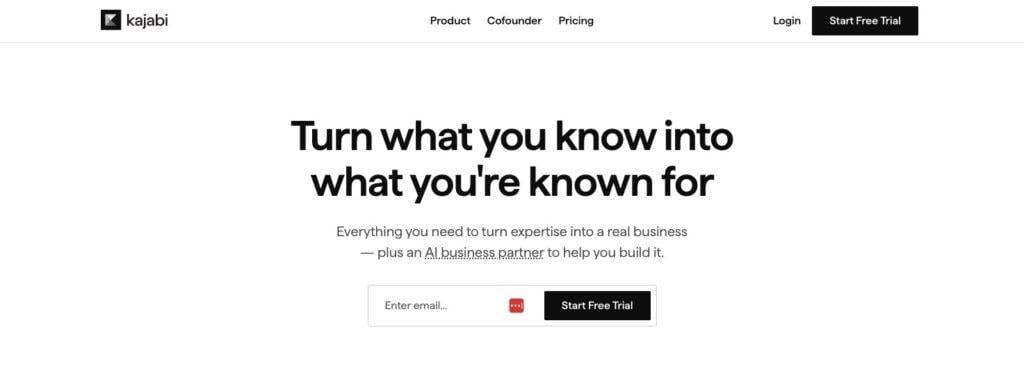
Kajabi is the most expensive option on this list. The Basic plan at $143/month (annual) is significantly more than anything else here.
However, for creators running a meaningful course business who want to avoid the WordPress set up altogether, the all-in-one value proposition can make that price reasonable.
You get course delivery, landing pages, email marketing, community, pipelines (their automation builder), and payments all baked in.
Kajabi went through a significant pricing overhaul in early 2026, raising its Growth plan from $159 to $199/month and Pro from $319 to $399/month (both annual).
Existing customers on legacy plans kept their pricing, but new users are looking at substantially higher costs than a year ago.
For a high-volume course business that would otherwise be paying for Teachable + ConvertKit + Mighty Networks + a landing page builder, Kajabi can make financial sense. For someone just starting out, it’s hard to justify.
Best for: Established course creators running a business with meaningful revenue who want to consolidate their marketing, course delivery, and community tools into one platform.
Pricing: Basic at $143/month (annual). Growth at $199/month. Pro at $399/month.
Key features:
- Courses, landing pages, email marketing, pipelines, and community in one platform
- No transaction fees on any plan
- Built-in pipeline builder for automating student journeys
- Kajabi AI tools for content creation
Pros:
- Genuinely all-in-one at a level no other platform matches
- No transaction fees on all plans
- Strong analytics and student tracking
Cons:
- Expensive – by far the highest starting price on this list
- Recent pricing increases make it harder to justify for smaller creators
- You’re paying for features you may not use
- Your content and student data live on Kajabi’s infrastructure. Given how aggressively pricing has shifted recently, that lock-in is worth thinking about before you commit
- Kajabi’s branding is visible on your
9. EzyCourse
Best Value All-in-One for Hosted Course Businesses
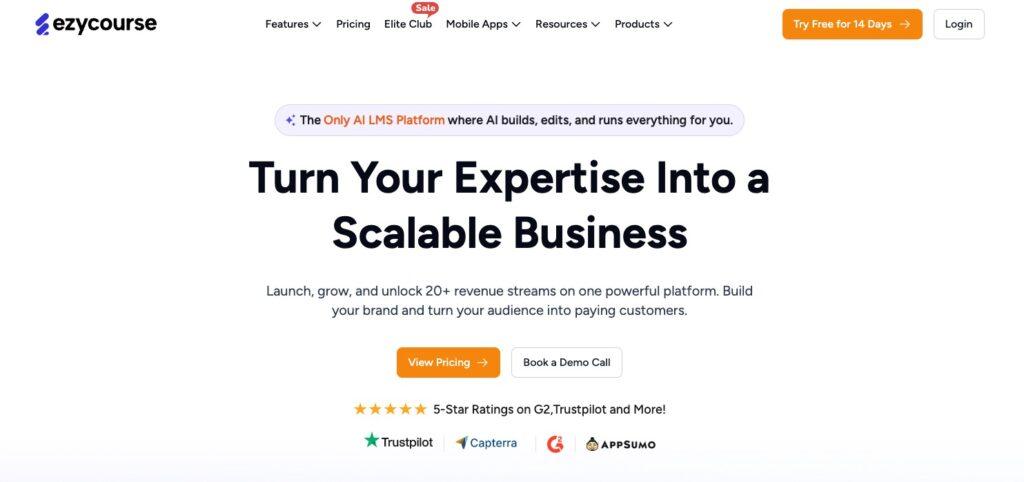
EzyCourse doesn’t get the same name recognition as Kajabi or Teachable, but it’s worth knowing about, particularly if you want a Kajabi-level feature set without the Kajabi price tag.
It’s a fully hosted all-in-one platform covering courses, communities, coaching programs, memberships, digital products, email marketing, and a website builder, all under one roof with 0% transaction fees on every plan.
The pricing is notably competitive. The Essential plan runs $55/month (annual), and even at that tier you get unlimited courses, communities, quizzes, assignments, completion certificates, and built-in email marketing up to 10,000 emails per month.
The Pro plan at $129/month (annual) adds a proper affiliate program, advanced gamification, appointment booking, and more community features.
White-label mobile apps come in on the Unlimited plan at $189/month — not cheap, but still something other hosted platforms charge significantly more for, if they offer it at all.
EzyCourse is a younger platform, and it shows in places. Some features feel less polished, the interface takes a bit more getting used to, and native integrations with third-party tools are more limited than Kajabi or Teachable.
But the development pace is fast, and for creators who want a lot of functionality at a reasonable price, it’s further along than most people realise.
Best for: Course creators who want a Kajabi-style all-in-one at a fraction of the cost.
Pricing: Essential at $55/month (annual). Pro at $129/month. Unlimited at $189/month (includes free white-label mobile app). 0% transaction fees on all plans. 14-day free trial. Lifetime deal options also available.
Key features:
- Courses, communities, coaching, memberships, and digital products in one platform
- Built-in email marketing included on all plans (10k–100k emails/month)
- Advanced quizzes, assignments, gradebook, and completion certificates
- White-label mobile apps on Unlimited plan and above
- SCORM compliant
- Gamification, affiliate programme, and appointment booking (Pro+)
- 0% commission and transaction fees on all plans
- Free migration service on Pro and above
Pros:
- Exceptional value for the feature set — closest thing to Kajabi at roughly a third of the price
- Built-in email marketing is a genuine differentiator; most platforms charge extra for this
- Actively developed with a fast-moving roadmap
Cons:
- Younger platform — some features are less polished than longer-established competitors
- Fewer native third-party integrations than Kajabi or Teachable
- Your content and student data live on EzyCourse’s infrastructure. Worth considering given the platform is still maturing
How to Choose
The right tool depends more on your setup than on feature lists.
If you’re on WordPress and want courses, membership, and community in one plugin, MemberPress is the recommendation. It covers all three natively (and with CoachKit™, coaching too) without the integration overhead of stitching together separate plugins.
The StellarWP situation makes this an easier call than it was a year ago: if you want a stable, independent team behind the plugin your course business runs on, MemberPress is the clearer bet right now.
If you’re already on LearnDash and considering a move, the built-in migration tool makes the switch to MemberPress Courses genuinely straightforward – courses, lessons, quizzes, and user progress all transfer automatically.
There’s a full guide to the StellarWP situation if you want the full picture before deciding.
If you want to stay on WordPress and keep costs down, LifterLMS and LearnPress both have genuinely useful free tiers. Tutor LMS is worth a look if a modern course builder interface matters to you.
If you want to avoid WordPress entirely, Teachable is the lowest-friction starting point for getting courses live fast. Thinkific has a cleaner learner experience. Both work well for straightforward course businesses.
Wrapping Up
LearnDash still works. If you’re using it and everything is running fine, you don’t need to panic. But if you were already thinking about whether it’s the right long-term fit, or if the StellarWP news is making you reconsider, now’s a reasonable time to look properly at the alternatives.
For most WordPress site owners who want courses alongside memberships, MemberPress covers the ground – and then adds community and coaching that LearnDash doesn’t have at any price.
The LMS features have come a long way from where they were a few years ago. The Trustpilot track record is strong. And the migration tool means moving your content over isn’t the project it used to be.














Add a Comment