

Vimeo integration enables secure video delivery and offline viewing for membership content. Vimeo Pro accounts provide privacy controls protecting premium video content.
This document explains how to create a Vimeo Developer app, generate an access token, and connect Vimeo to the app.
Understanding Vimeo Integration Benefits
Vimeo Pro provides advanced privacy controls suitable for membership video content. Integration with MemberPress AppKit offers specific advantages over alternative video hosting platforms.
Secure content delivery restricts access and prevents unauthorized sharing. Privacy settings ensure only authorized members view premium video content.
Offline viewing support allows members to download videos for viewing without an internet connection. Downloaded videos remain accessible during travel or limited connectivity situations.
Performance optimization caches video metadata for faster playback initiation. Cached data reduces loading time when members access video content.
Offline playback functionality requires a Vimeo Pro account or higher subscription level.
Generating Vimeo Access Token
Access token generation occurs through the Vimeo Developer portal.
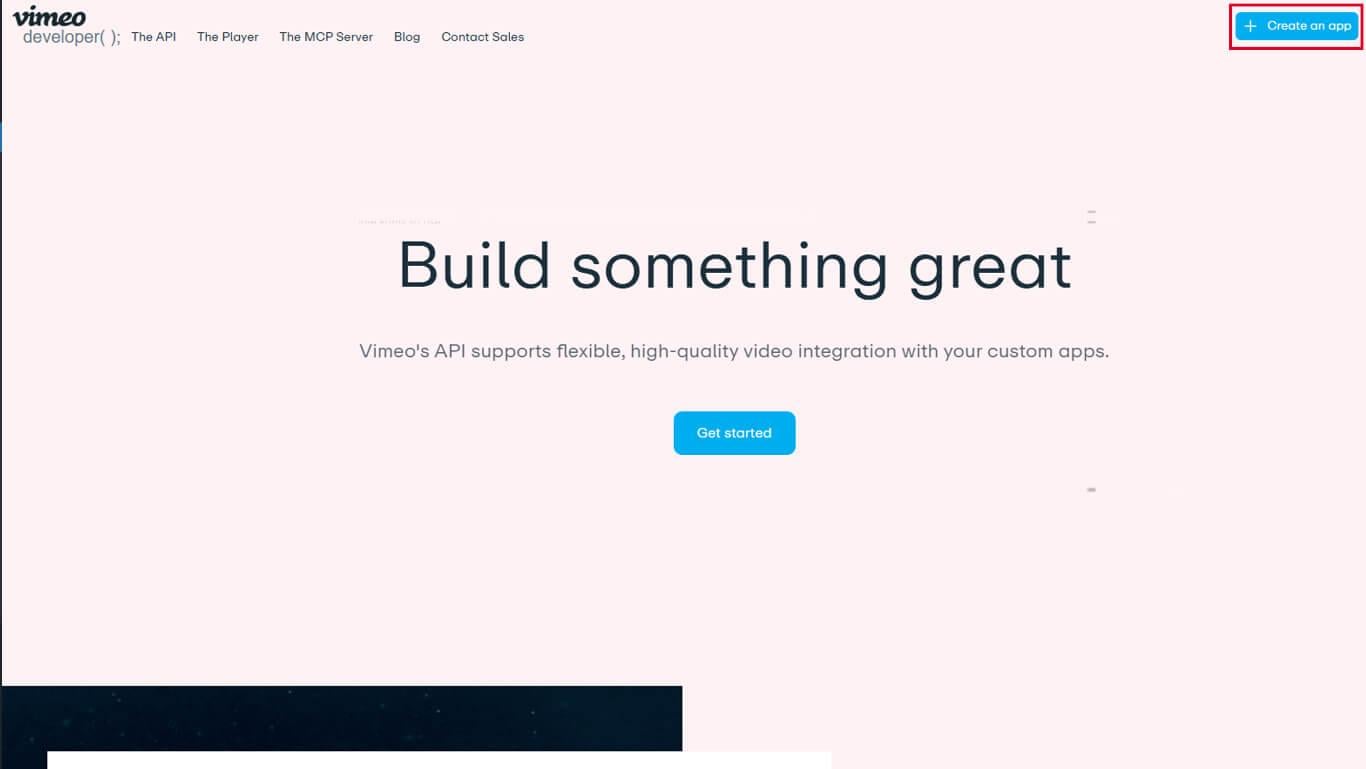
- Navigate to developer.vimeo.com in a web browser.
- Log in using your Vimeo account credentials.
- Click Create New App to begin app creation.
- Enter an app name in the App Name field.
- Enter a description in the App Description field.
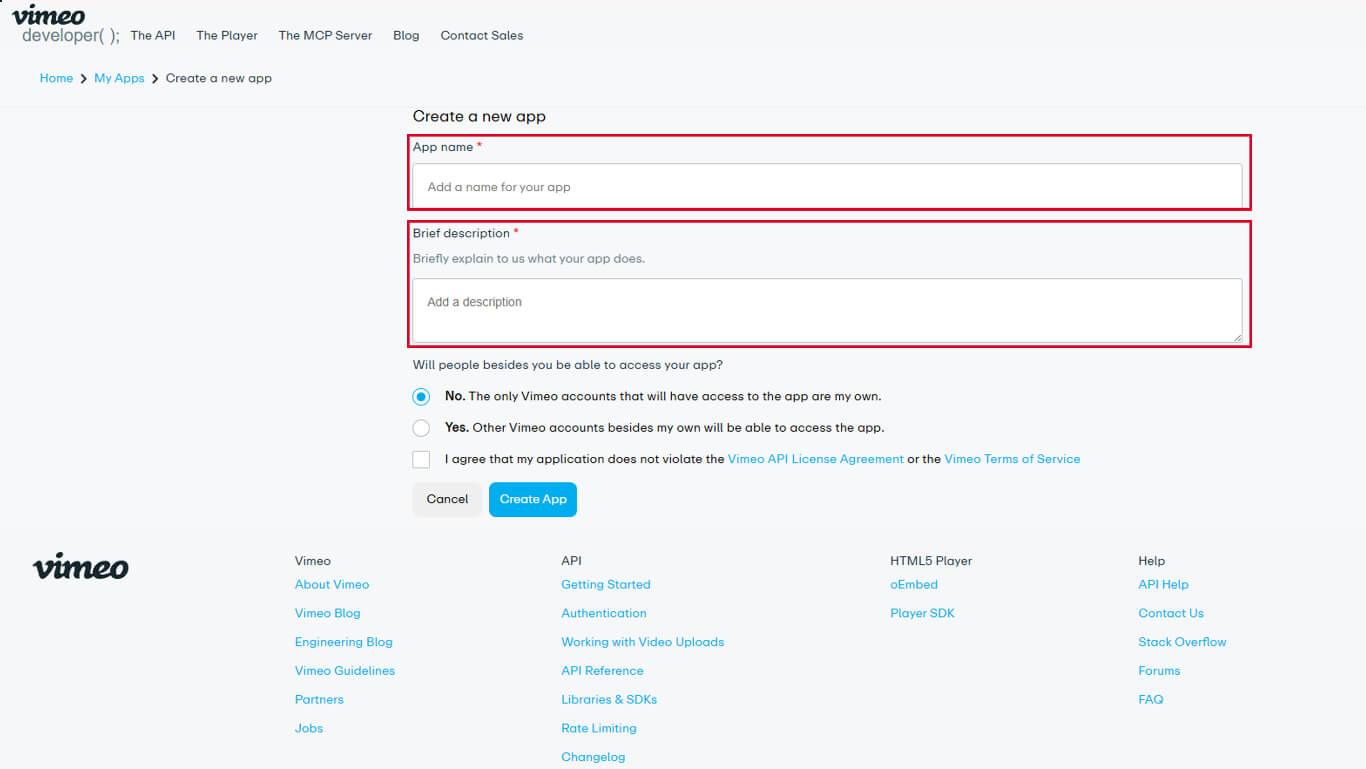
- Select the appropriate App Access level for the application.
- Click Create App to finalize app creation.
- Navigate to the Authentication tab in the app settings.
- Under “Who is this app for?”, select Authenticated (you).
- Locate the scopes section and enable the following options:
- Private for private video access;
- Video Files for video file download capability.
- Click Generate to create the access token.
- Copy the generated access token to the clipboard.
The access token provides authentication for the MemberPress AppKit to access Vimeo video content.
Connecting Vimeo to MemberPress AppKit
Access token configuration completes the Vimeo integration.
- Navigate to Dashboard > MP AppKit > Integrations > Vimeo.
- Locate the Vimeo Authentication Code field.
- Paste the copied access token into the field.
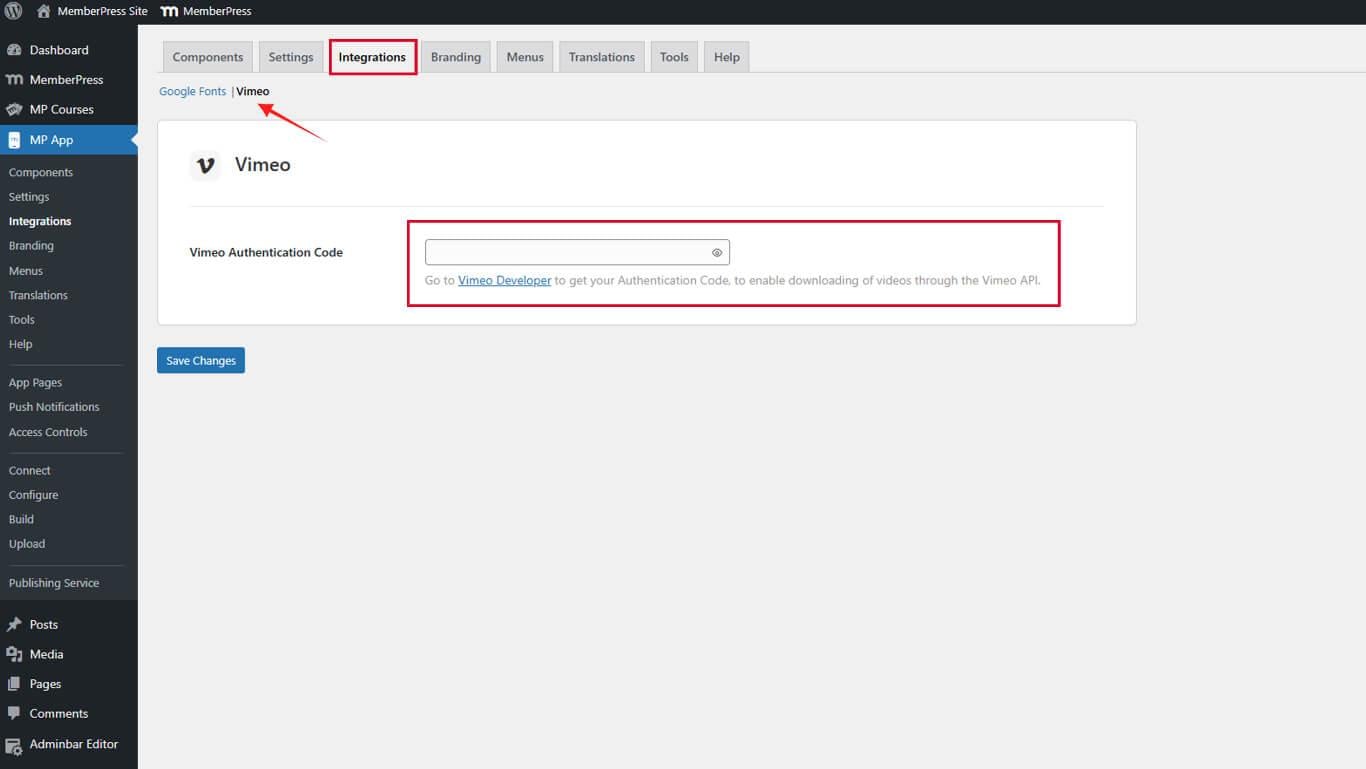
- Click Save Changes to finalize the connection.
Vimeo integration activates immediately after saving the access token configuration.










