

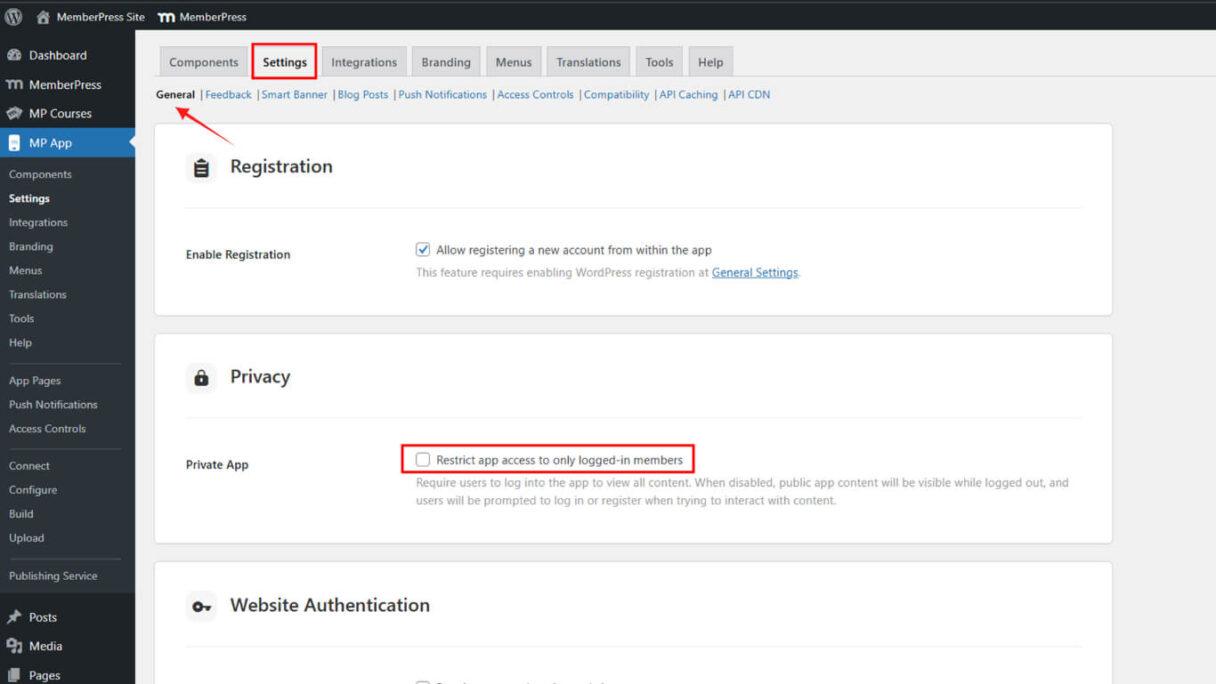
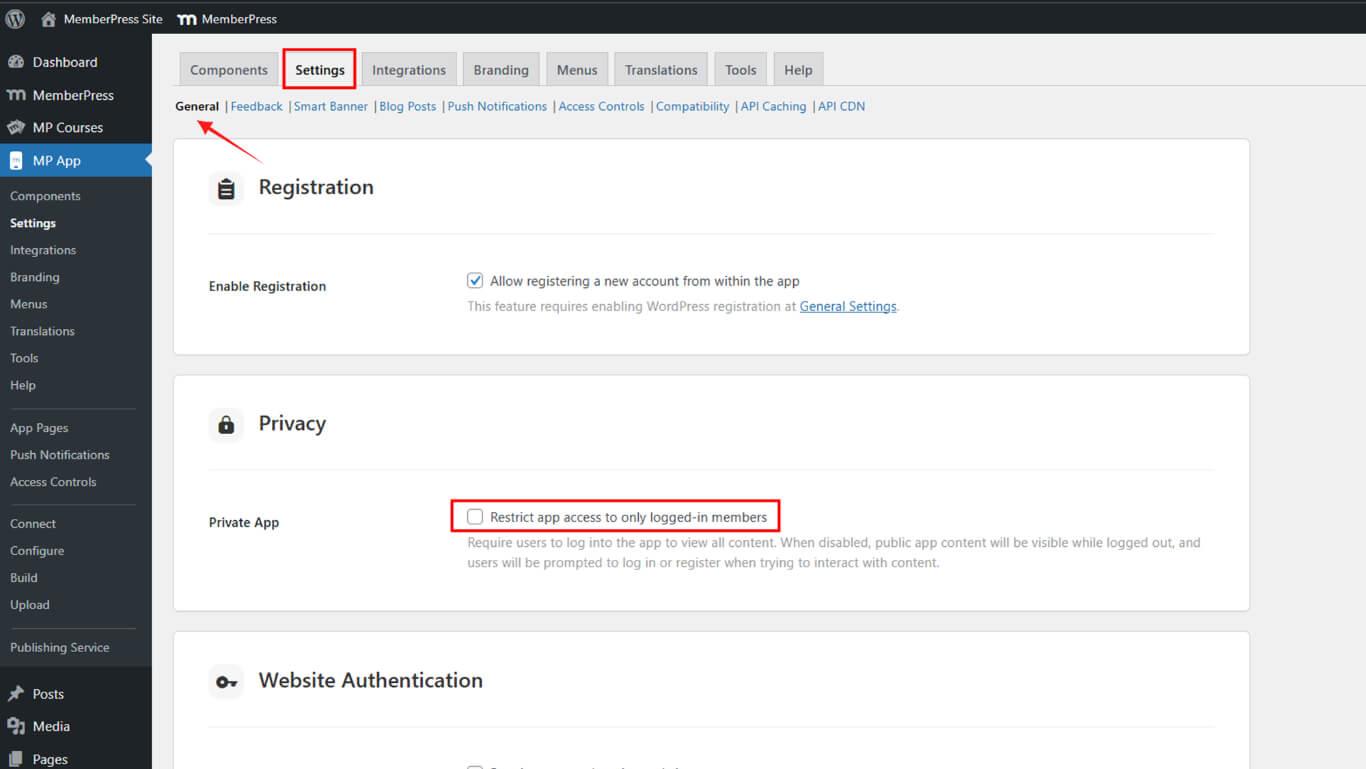
Your MemberPress (iOS/Android) app mirrors your public website, so visitors can view content without logging in. Enabling private app access ensures that only authenticated users can view or interact …
Continue Reading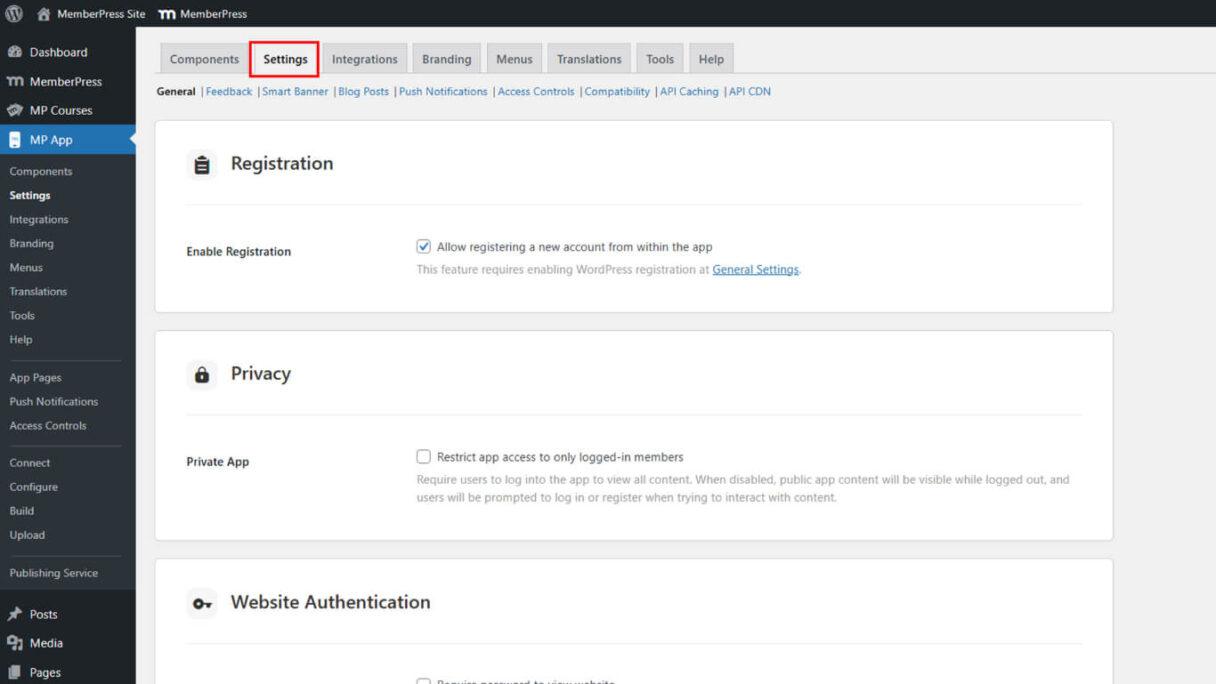
Enabling User Registration on MemberPress AppKit
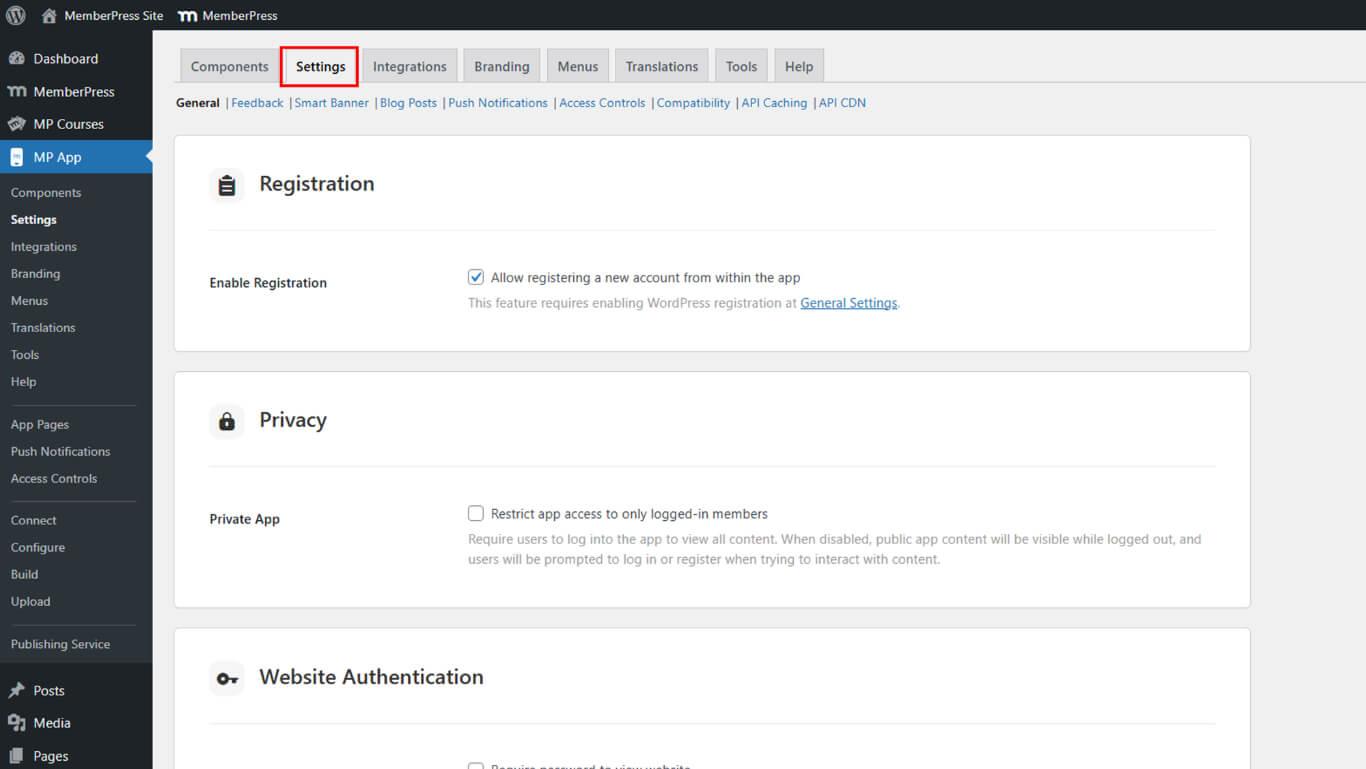
Enabling user registration allows new members to sign up directly through your mobile app and website, streamlining onboarding for both public communities and internal teams. This guide walks …
Continue Reading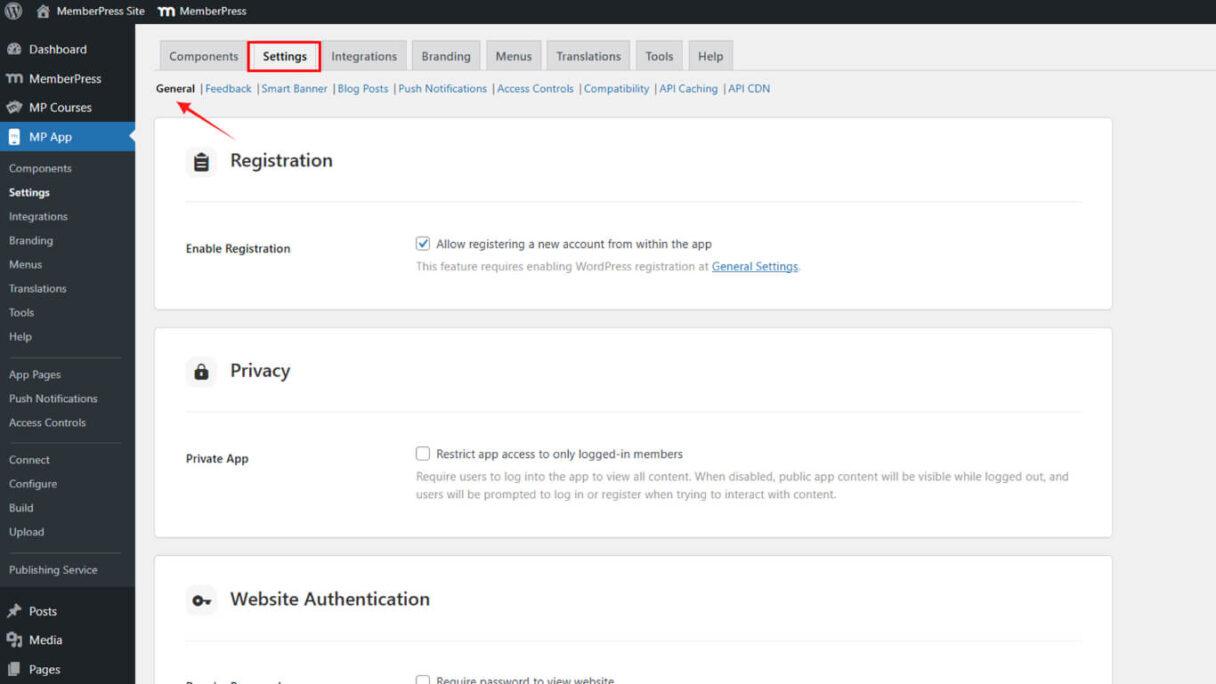
Enabling Website Authentication for MemberPress (iOS or Android) App
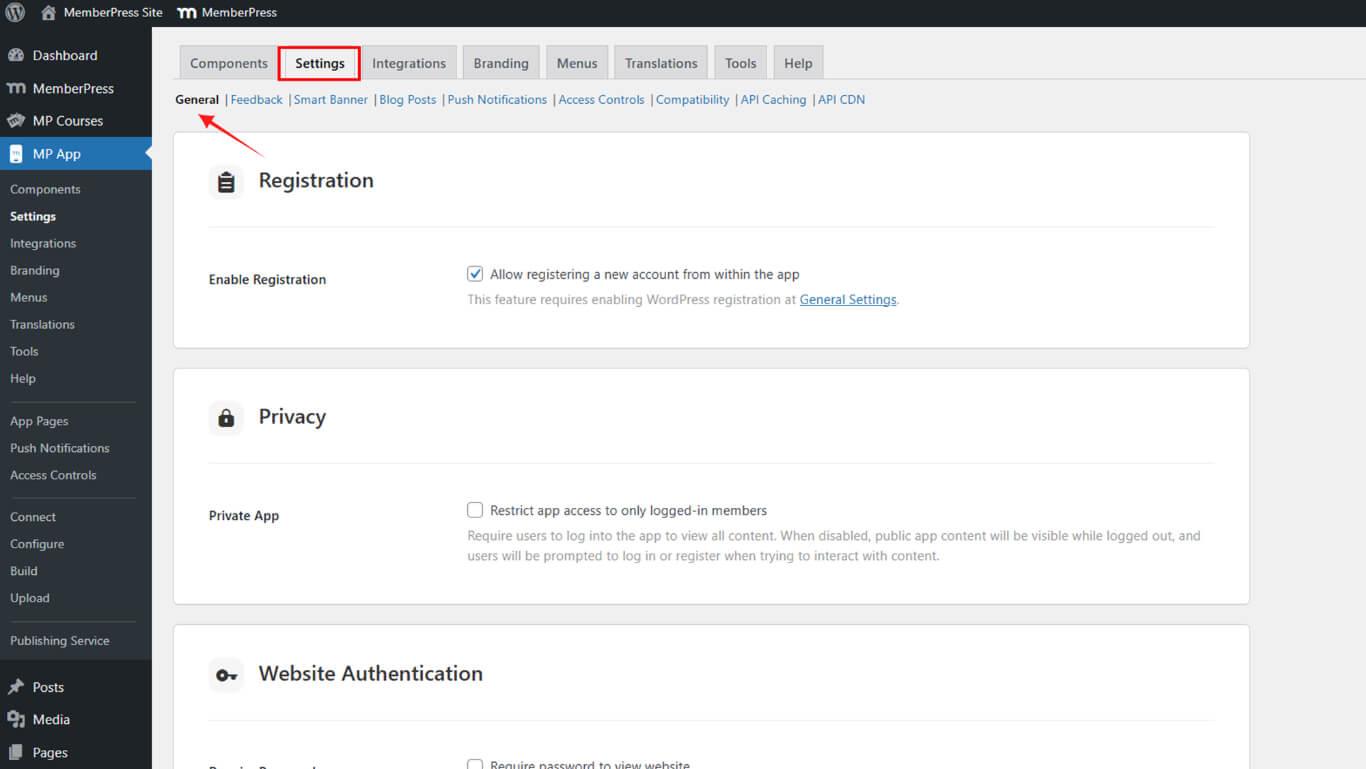
Website Authentication keeps your staging or development site private by requiring a password to view it. This ensures your site stays hidden while allowing the MemberPress iOS/Android app to access …
Continue ReadingConnecting Apple Developer Account to MemberPress AppKit
Apple Developer account connection automates in-app product syncing, certificate creation, provisioning profile generation, and iOS build submissions. This document explains how to generate App Store …
Continue ReadingHosting Recommendations for MemberPress AppKit
The MemberPress App requires optimized hosting that supports scalability, speed, and concurrent user connections. The app relies on frequent API calls to WordPress for data retrieval. This document …
Continue ReadingSetting Up Apple Developer Account for MemberPress iOS App
Apple Developer Program enrollment enables the MemberPress iOS app release on the App Store and TestFlight beta distribution management. This document explains how to create an Apple ID, …
Continue Reading









