

Build complete courses with AI – right inside MemberPress. Describe your vision and watch it generate a full curriculum, ready to edit and publish in record time!
You’ve got the expertise. You know your topic inside and out. But every time you sit down to build that course, you’re staring at a blank lesson editor, wondering where to start.
The MemberPress AI Course Generator is here to change all that!
Talk to it naturally through a simple chat panel. Explain your topic, audience, and goals; watch sections, lessons, and quizzes generate in real time; then edit, refine, and publish.
That’s it!
Finally you can skip the blank page and make that course idea you’ve been sitting on a revenue-pumping reality!
Why Use AI to Build Courses?
You know your stuff, but sitting down to outline a full curriculum, write every lesson, and craft quiz questions that actually test comprehension is a different skill set: and a massive time investment.
The AI Course Generator handles the part most people get stuck on: turning expertise into structured content.
Here’s what changes:
1. Complete Curricula in Minutes
Describe your course topic, audience, and goals. Get back a full structure: sections, lessons, estimated durations, learning objectives, and draft content.
What used to take days of outlining happens in a single conversation.
2. Skip the Blank-Page Paralysis
Start with a prompt, not an empty editor.
The AI gives you something to react to: a structure to reshape, content to refine, a foundation to build on. Getting started is no longer the hard part.
3. Lesson Content That Writes Itself
Once you have a structure, the Lesson Assistant turns your outlines into full lessons.
Describe what you want to cover, and the AI generates content based on the lesson title, course context, and your prompt.
Already have a rough draft? Tell the AI to expand it, add examples, or tighten the language.
4. Quizzes That Test What You Taught
The Quiz Builder reads your actual lesson content and generates questions based on the material.
No need to squirrel around your lesson content thinking up ways to turn them into succinct questions that actually test knowledge – it’s all done automatically!
5. Total Control
This isn’t “AI writes your course and you hit publish.” Everything is editable so you can make it entirely yours.
Drag sections around, rename lessons, regenerate content you don’t like, add your own material alongside the AI output. You shape the final product, AI just gets you there faster.
The barrier to course creation has always been the upfront work: the planning, the outlining, the blank page. The AI Course Generator lowers that barrier without taking away your control over the result.
Meet the AI Course Generator
The AI Course Generator is an add-on that works alongside MemberPress Courses and Quizzes and handles every stage of course creation.
Start by building your curriculum through chat, then use the Lesson Assistant and Quiz Builder to flesh out your content.
1. AI Course Creator: Build Complete Curricula Through Chat
The AI Course Creator uses a two-panel interface.
- On the left: a chat where you describe what you want.
- On the right: a live preview of your course structure, updating as you talk.
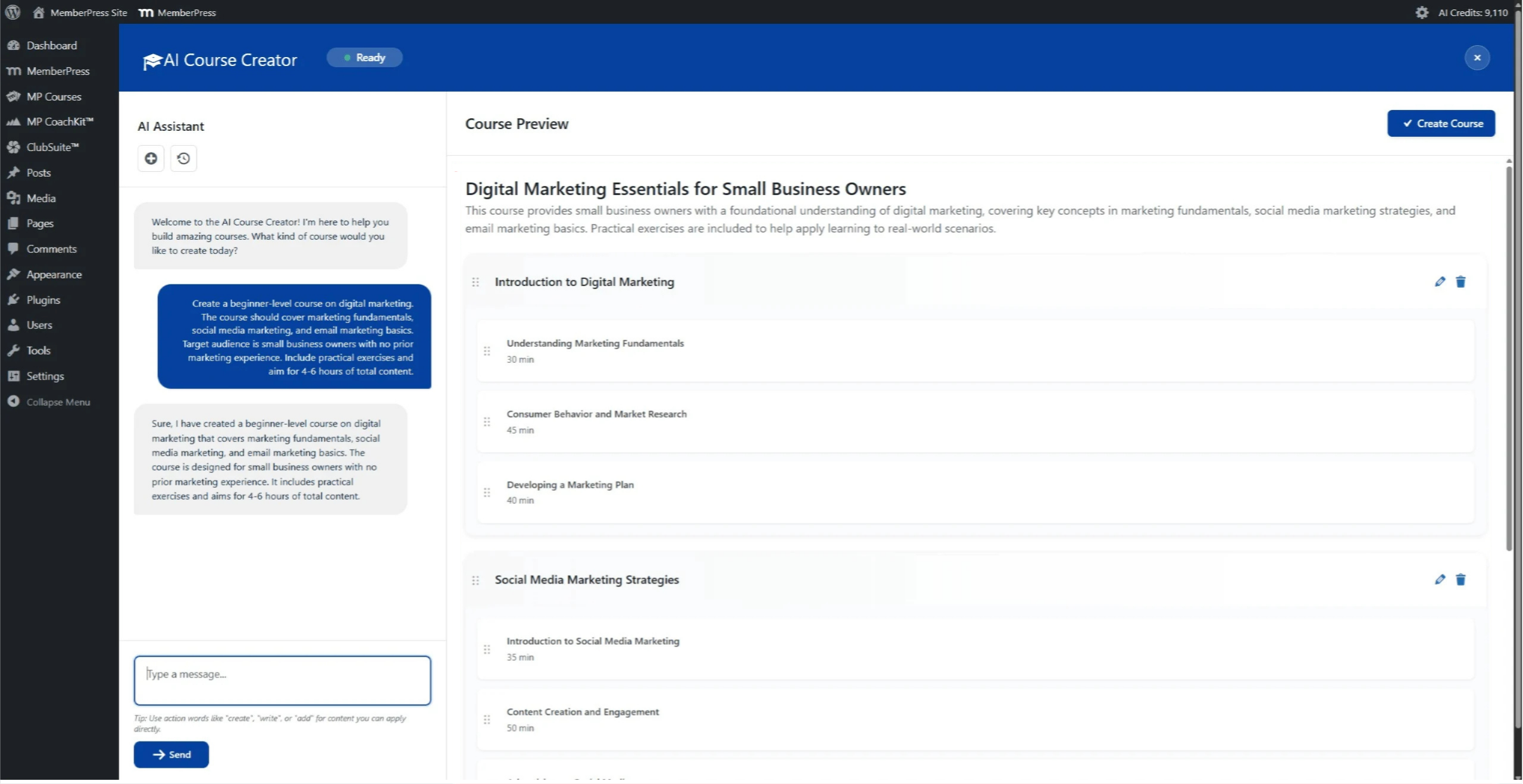
Here’s what a typical conversation looks like:
- You describe your course: “I want to create a 6-week meal prep course for busy parents. Focus on healthy weeknight dinners, batch cooking on Sundays, and kid-friendly recipes.”
- The AI asks clarifying questions: skill level, specific dietary considerations, whether you want quizzes at the end of each section.
- The course structure builds in real time: watch sections, lessons, estimated durations, learning objectives appear as you chat.
- Edit as you go: drag, drop, rename, and delete directly in the preview panel. Ask the AI for more lessons in a section, or to restructure the flow.
- Publish: When you’re happy, hit Create Course. Done.
What you get:
- Complete course structure with sections and lessons
- Estimated durations for each lesson
- Learning objectives that actually match your content
- Draft content ready to edit and expand
- Full drag-and-drop control before you commit
The AI pulls from your topic, audience description, and stated goals to generate material that fits: not generic filler you’d have to rewrite anyway.
2. AI Lesson Assistant: Generate and Improve Lesson Content
Once your structure is in place, the AI Lesson Assistant fills in the details.
Open any lesson, click Generate, and describe what you want the lesson to cover.
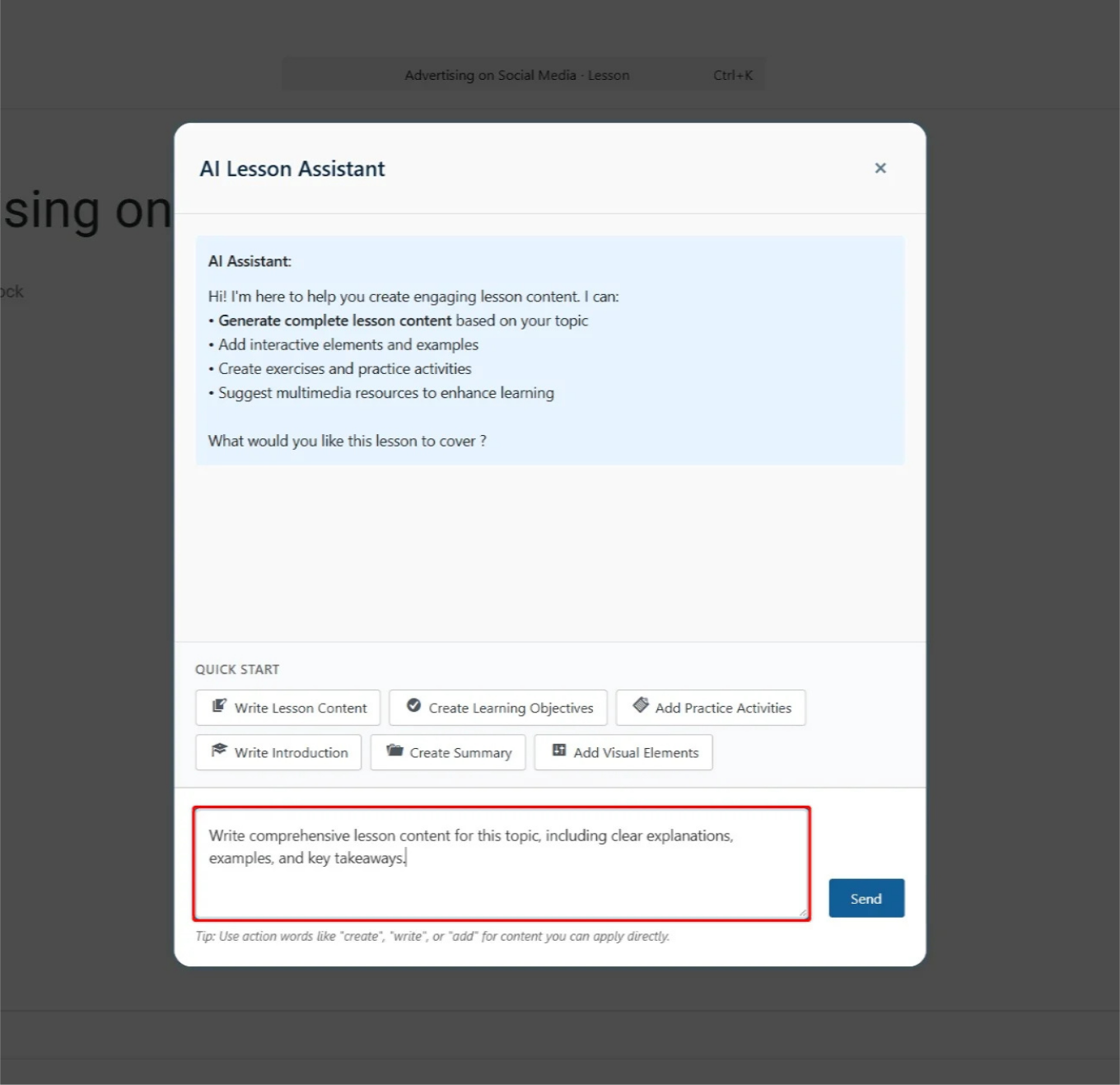
The AI creates full lesson content based on your prompt, the lesson title, and the broader course context.
Already have a rough draft? The AI Lesson Assistant can expand, improve, or restructure existing content.
Tell it to add more examples, simplify the language, or break a dense section into digestible chunks.
Tips for better results:
- Descriptive lesson titles help. “Introduction to Batch Cooking” gives the AI more to work with than “Lesson 1.”
- Be specific in your prompts. “Write a lesson explaining the benefits of Sunday meal prep, with 3 practical tips and a sample prep schedule” beats “write about meal prep.”
- Iterate. Generate, review, refine. The AI responds to follow-up prompts, so you can keep shaping the content until it’s right.
Every lesson is fully editable. The AI gives you a starting point, you make it yours.
3. AI Quiz Builder: Create Assessments From Your Actual Lessons
The AI Quiz Builder reads your lesson content and generates questions based on the material.
You’re guaranteed relevant questions every time without having to cross reference past lessons or figure out how to concisely test what your students have learned.
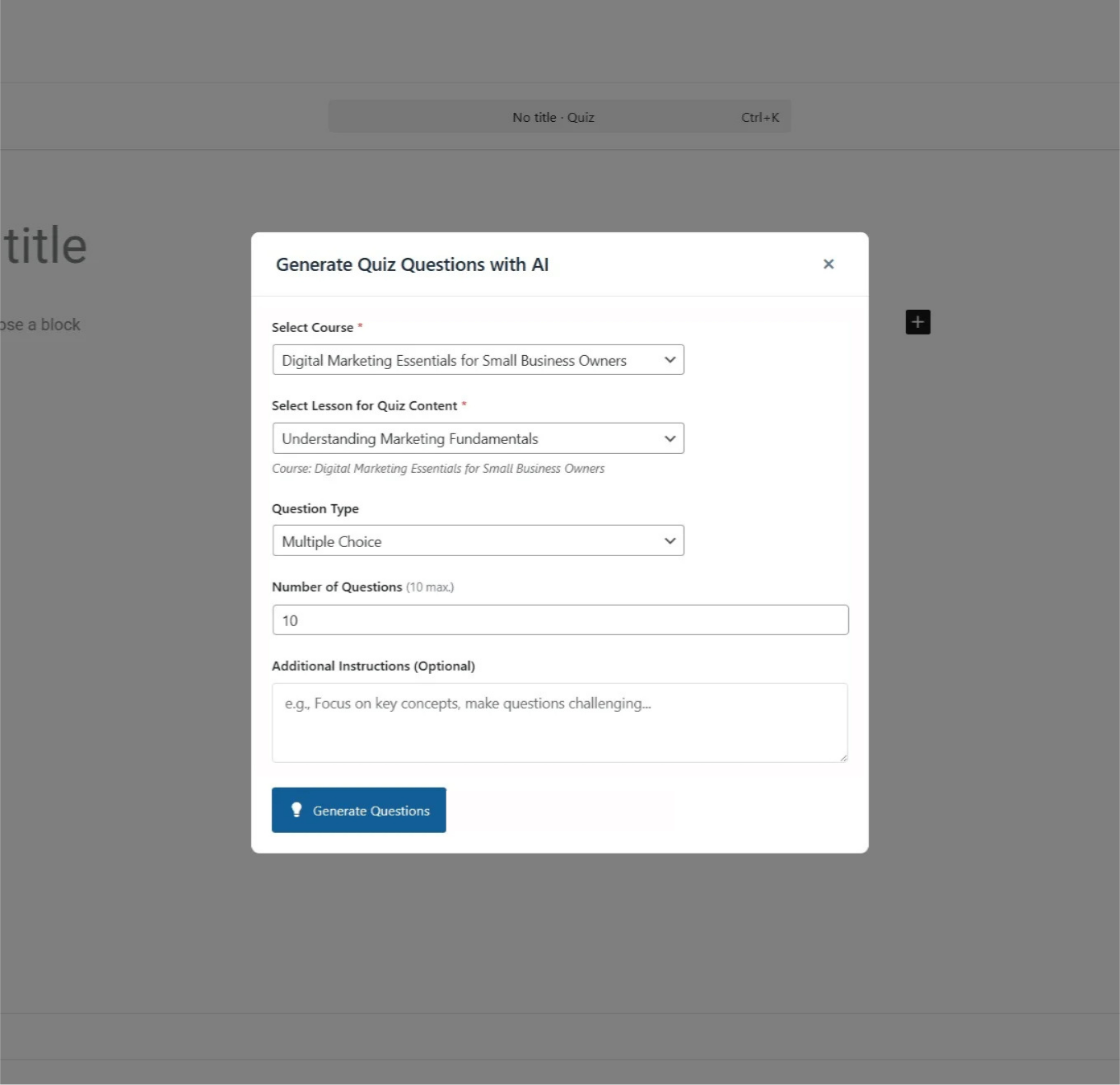
Question types available:
- Multiple Choice (single correct answer)
- Multiple Select (one or more correct answers)
- True/False
- Short Answer
The rounds-based approach:
Generate questions in multiple rounds, targeting different lessons and question types each time.
Example: Building a module quiz for a 5-lesson section:
- Round 1: Generate 2 True/False questions from each lesson (10 total)
- Round 2: Generate 2 Multiple Choice questions from each lesson (10 total)
- Round 3: Generate 1 Short Answer question from each lesson (5 total)
Result: A comprehensive 25-question assessment covering the entire module, with varied question types, built in minutes.
Each question is editable after generation. Reorder them, tweak the wording, adjust correct answers, or add manual questions alongside the AI-generated ones. You have full control.
How It All Works Together
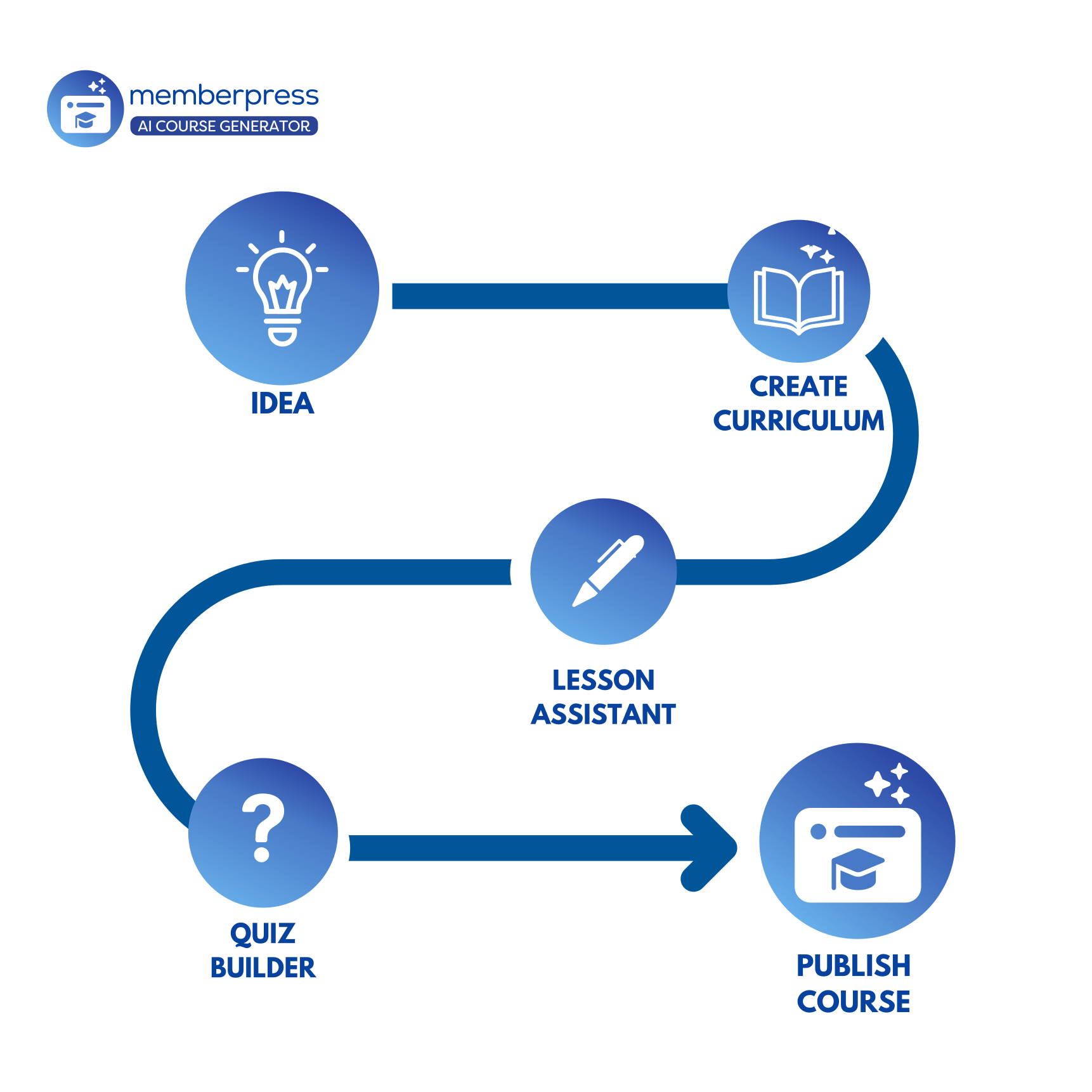
Here’s the typical workflow:
- Start with AI Course Creator. Chat your way to a complete course structure. Generate initial lesson content and quick quizzes right in the preview panel.
- Refine with AI Lesson Assistant. Open individual lessons and expand, polish, or regenerate content. Add depth where it matters.
- Build assessments with AI Quiz Builder. Create comprehensive quizzes that span multiple lessons. Mix question types for thorough testing.
- Edit and publish. Everything is fully editable. Add your personal touches, reorganize as needed, then publish.
You can use these tools in any order. Jump straight to the Lesson Assistant if you’re adding content to an existing course. Use the Quiz Builder on courses you created manually months ago. The workflow is flexible.
Watch: How to Create Courses, Lessons, and Quizzes w/ the AI Course Generator
Watch our quick video guide that shows you the AI Course Generator in action!
? IDEA ALERT: How You Can Use the AI Course Generator
The AI Course Generator isn’t just for “course creators.” It’s for anyone with expertise to share. Here’s how different MemberPress users can put it to work:
Recipe and Nutrition Sites
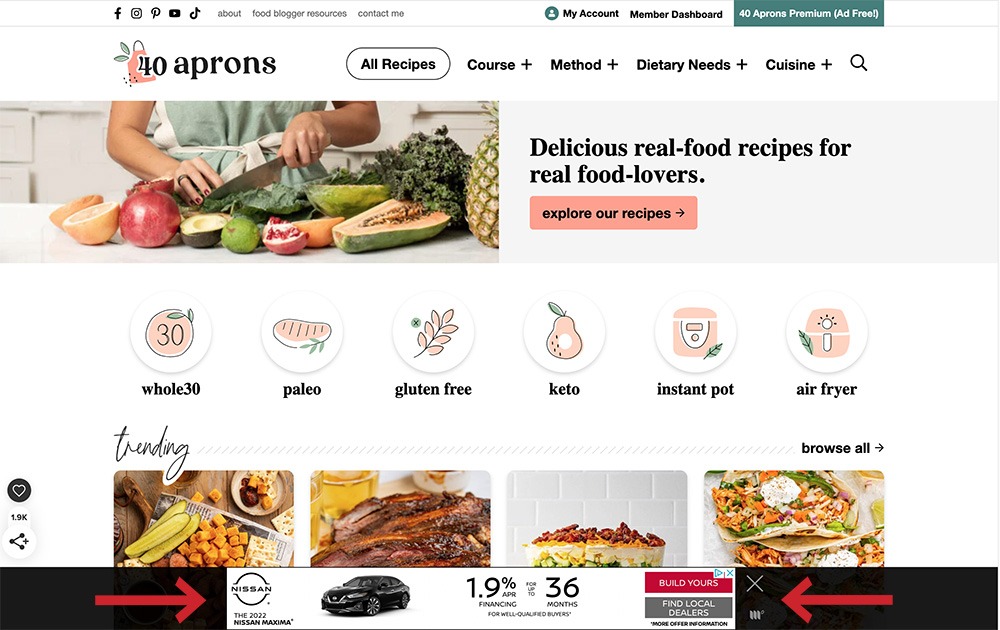
You’ve got hundreds of recipes. Now package that knowledge into structured learning experiences.
- “Meal Prep Mastery” course: Weekly modules covering planning, shopping, batch cooking, and storage. Quiz members on food safety and prep techniques.
- Dietary transition courses: “30 Days to Plant-Based” or “Keto Kickstart” with daily lessons, shopping lists, and progress checks.
- Cooking technique series: Knife skills, sauce fundamentals, bread baking basics. Each lesson builds on the last.
The AI advantage: Describe your culinary focus and target audience. Get a structured curriculum you can fill with your actual recipes and techniques.
Fitness and Personal Training
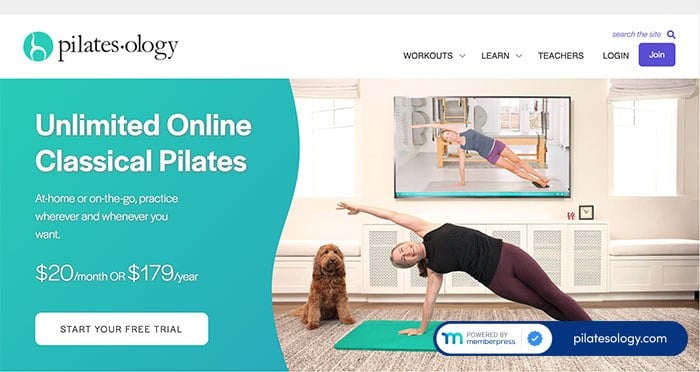
Your workout videos are great. A structured program with progression and accountability is better.
- Beginner strength programs: 8-week course with progressive overload, form tutorials, and weekly check-in quizzes.
- Specialized training: “Mobility for Desk Workers,” “Running Your First 5K,” “Postpartum Recovery.” Structured paths with clear milestones.
- Certification prep: Help aspiring trainers study for certifications with lesson content and practice quizzes.
The AI advantage: Outline your training philosophy and target outcomes. The AI structures the progression; you add the workouts and demonstrations.
Business and Professional Training
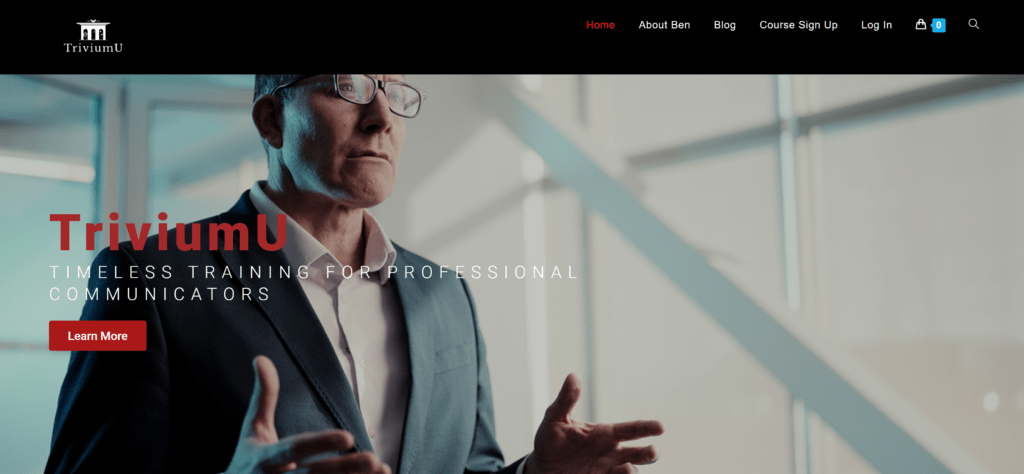
Your consulting knowledge can become scalable training products.
- Industry onboarding: New employee training, compliance education, software tutorials. Build once, onboard forever.
- Professional development: Leadership skills, communication training, project management fundamentals.
- Client education: Teach your clients what they need to know before (or instead of) hiring you for the full service.
The AI advantage: Describe the competencies you’re teaching and the learner’s starting point. Get a curriculum structure that matches how professionals actually learn.
Parenting and Family Sites
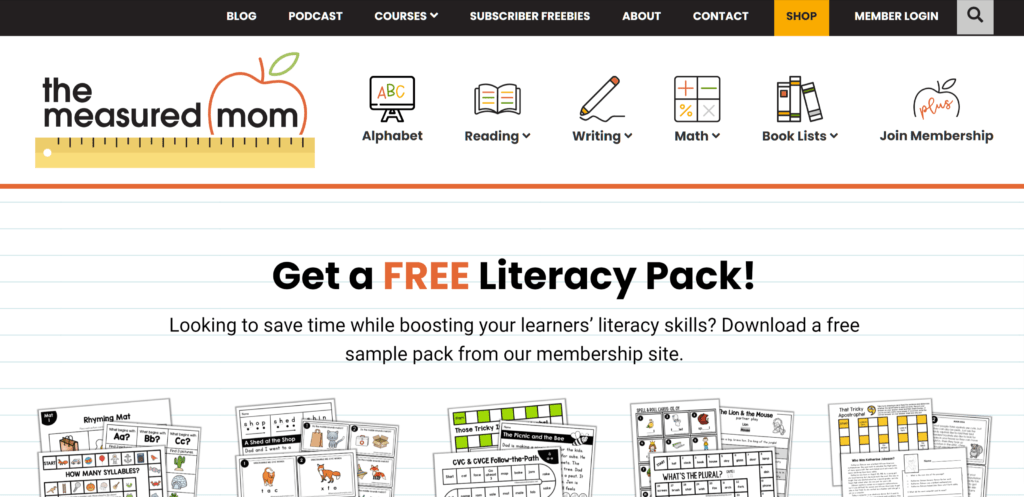
Parents are hungry for guidance, and they’re short on time. Courses deliver focused help.
- Age-specific guides: “Surviving the Toddler Years,” “Navigating Middle School,” “Preparing for an Empty Nest.”
- Skill-building series: Sleep training, potty training, homework help strategies. Practical lessons with quizzes to reinforce key points.
- Special topics: Supporting neurodivergent kids, blended family dynamics, single parenting resources.
The AI advantage: Describe the parenting challenge and your approach. Get a structured course you can fill with your experience and advice.
Healthcare and Wellness Practitioners
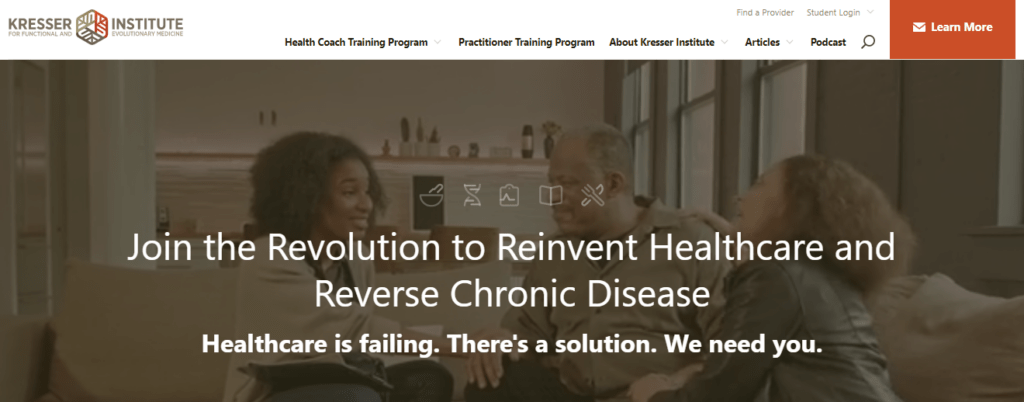
Patient education courses, practitioner training, and continuing education all work beautifully with AI-generated structure.
- Patient education: Pre-surgery prep, chronic condition management, post-treatment care instructions.
- Practitioner training: Technique tutorials, case study walkthroughs, certification prep.
- Wellness programs: Stress management, sleep hygiene, mindfulness foundations.
The AI advantage: You know the clinical content. Let the AI structure it into a learning sequence that patients or practitioners can actually follow.
Hobbyists and Enthusiasts
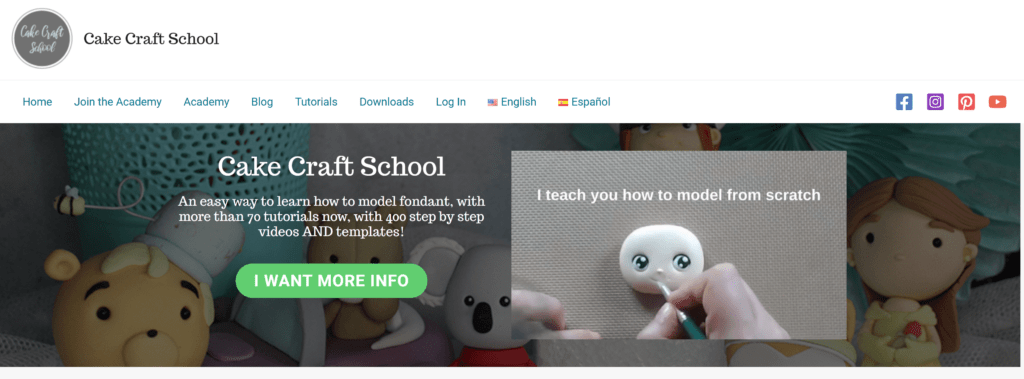
Turn your passion into teachable courses.
- Craft tutorials: Knitting, woodworking, pottery, photography. Progressive skill-building with project-based lessons.
- Collecting guides: Vintage identification, authentication, market knowledge.
- Gaming and esports: Strategy courses, improvement programs, community education.
The AI advantage: Describe the skill progression from beginner to intermediate. Get a course structure that builds competence step by step.
Credits and Compatibility
Simple Credits System
AI features run on credits. You purchase credits as needed and use them for course generation, lesson content, and quiz questions.
Check your balance anytime at Dashboard > MemberPress > AI Credits. Buy more when you need them. No subscriptions, no monthly minimums: just pay for what you use.
Works With Everything You Already Use
AI-generated courses are standard MemberPress courses. That means full compatibility with:
- Access rules for content protection
- Membership tiers for gating course access
- ReadyLaunch templates for polished course design
- Drip content for scheduled lesson releases
- Certificates for completion rewards
- Progress tracking and student management
No extra setup. Your AI-generated courses plug right into your existing MemberPress configuration.
Start Building
The AI Course Generator is available now for MemberPress Launch, Growth, and Scale plans.
Here’s how to get started:
- Install the add-on. Navigate to Dashboard > MemberPress > Add-ons and activate the AI Course Generator.
- Grab some credits. Head to Dashboard > MemberPress > AI Credits and purchase a credit pack.
- Start chatting. Go to Dashboard > MP Courses > Courses and click the Generate button. Describe your course and watch it build.
That course you’ve been putting off? It’s time to finally build it.


What course have you been putting off? Drop it in the comments: we’d love to hear what you’re planning to build!
If you found this article helpful, follow us on Facebook, X, Instagram, and LinkedIn!












Add a Comment