Build Your Community on a Site You Own
MemberPress turns your WordPress site into a private community. Give members forums, profiles and a directory, and keep every member record in your own database.
14-day money-back guarantee
Example site. Names and figures are illustrative.
Recommended by top influencers and web hosts







Why community builders choose MemberPress
One cost you can plan around.
One annual license with unlimited members, instead of a monthly platform subscription. The Growth and Scale plans add no transaction fees on top of your payment processor’s.
Your brand and domain.
Your community lives on your own WordPress site, under your name and domain, designed the way you want with any WordPress theme.
Your members and conversations.
Member records and discussions stay in your own database, with no platform between you and your members.
Everything your community needs, on the site you own
Private forums. Members post updates and questions, reply in threads and follow the conversations they care about (ClubCircles™).
A space for each group. Open a Circle to every member, or tie it to a membership level so premium members get their own space.
Member profiles and a directory. Members create profiles with a photo, bio and social links, and find each other by role, membership or location (ClubDirectory™).
Direct messages and group chat. Members message each other privately, and every Circle and directory gets its own chat room (ClubConnect™).
Moderation tools. Members flag posts, moderators review them in a queue, and you can mute or ban anyone who breaks your community rules.
Free and paid memberships. Offer a free tier, monthly or annual plans and trial periods, with renewals handled automatically.
Members-only content. Add courses, recordings and resources, and keep them for current members only.
Seamless payments. Take membership payments through Stripe, PayPal and Square.
Member admin in plain language. Ask an AI app such as Claude or ChatGPT to find a member, list upcoming renewals or report on revenue. Changes show a preview first, and refunds and deletions wait for your approval. Membership MCP is included free.
Features vary by plan. See the pricing page for what each plan includes.
What setting up your community looks like
- Pick your MemberPress plan and install it on your WordPress site.
- Create your membership levels, free or paid, and set your prices.
- Set up your Circles and choose which membership levels can join each one.
- Turn on member profiles and build your directory.
- Connect your payment method and publish your join page. New members sign up, get access and can post straight away. ReadyLaunch™ styles your essential pages, so your site looks professional without any code.
“We use MemberPress to manage our membership program for Women Empowering Women, and it has been a solid, reliable solution for us. The platform gives us the flexibility we need to manage memberships, directory, and payments without overcomplicating things – which is huge when you’re running a growing community.”
Michell
via Trustpilot
Your community stays yours
Hosted community platforms are quick to start on, but your member list, your discussions and your pricing rules sit inside their system. On your own site, you hold all three.
Example report. Figures are illustrative.
Your members are yours.
Names, contact details and payment history live in your own database. Export them any time and use them in the email tool you already know.
Your conversations are yours.
Discussions happen on your own WordPress site, not on a third-party network, so no algorithm decides what your members see.
Your terms are yours.
You set the price, the membership levels and who has access, and no platform can change those rules or its fees without your say.
See what your membership could earn
your estimated annual profit
$34,270.50
MemberPress costs one flat annual fee, and Growth and Scale plans take no cut of your membership revenue, so every new member adds to your profit.
Get MemberPress for WordPressCommunities that run on MemberPress
Make: is the publisher of Make: magazine and the organizer of Maker Faire. Its community for hobbyists, educators and makerspaces runs a free tier with member directories and a premium tier with members-only videos and events, on MemberPress.
Tiny Buddha has more than 1.5 million followers. Readers support each other in its community forums, which run on MemberPress alongside its paid courses.
The Digital Project Manager is a community of more than 1,000 project managers. Its paid membership includes peer mentoring, mastermind groups, live workshops and templates, on MemberPress.
“I am so happy with my choice, and I highly recommend it to any course creator, book creator, coach, or community maintainer out there. This IS what you’re looking for, hands down. It’s going to give you so many capabilities and so many possibilities that you’re not even aware of yet. Give it a try. I guarantee you will not regret it.”
Georgios Mavropalias
via Trustpilot


Resources for Community Builders
Practical guides from the MemberPress blog for people who want to run a community on their own site.
Setup
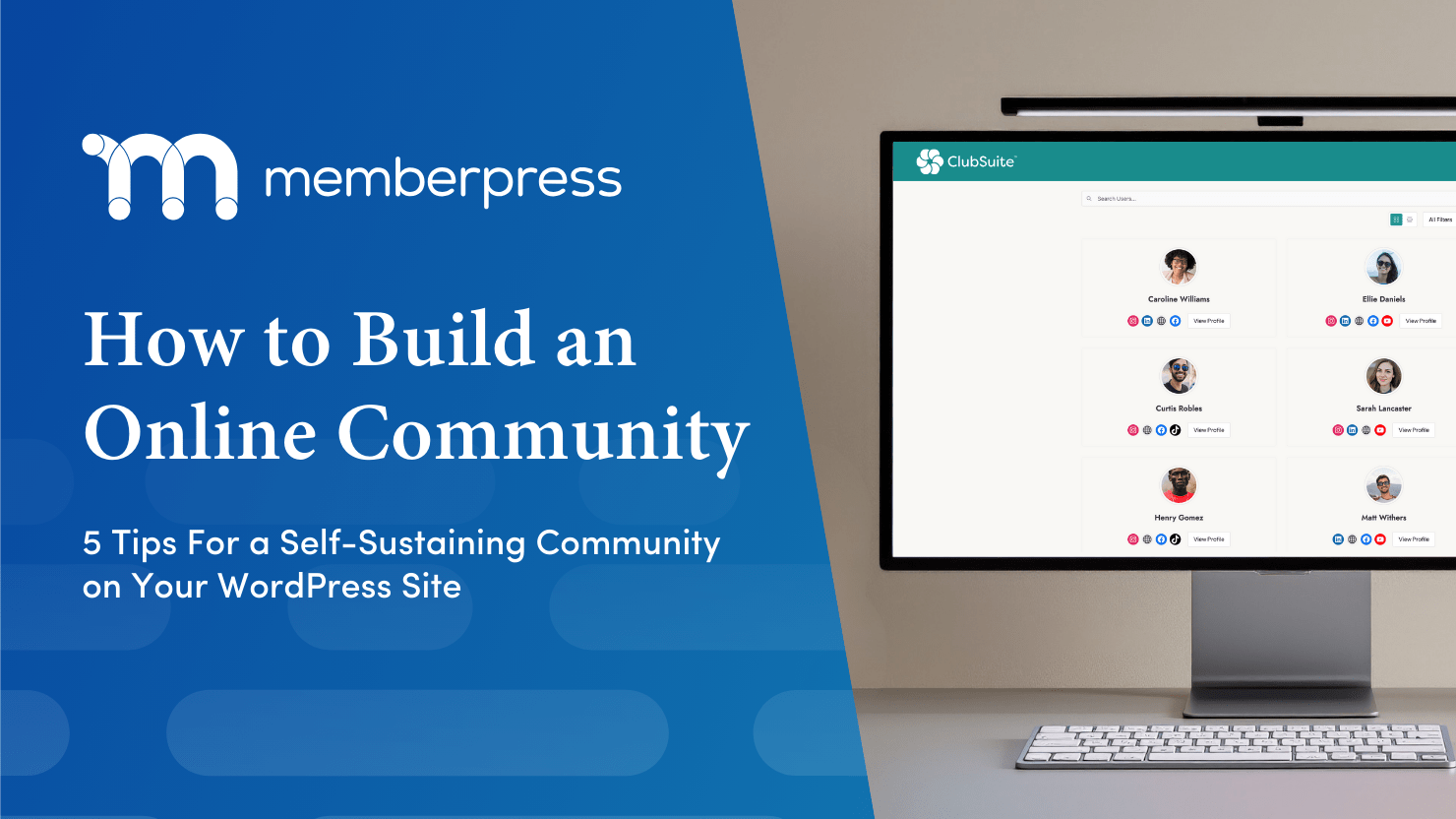
How to Build an Online Community with WordPress (5 Easy, Actionable Tips)
Go from a WordPress site to a working member community.
Platform
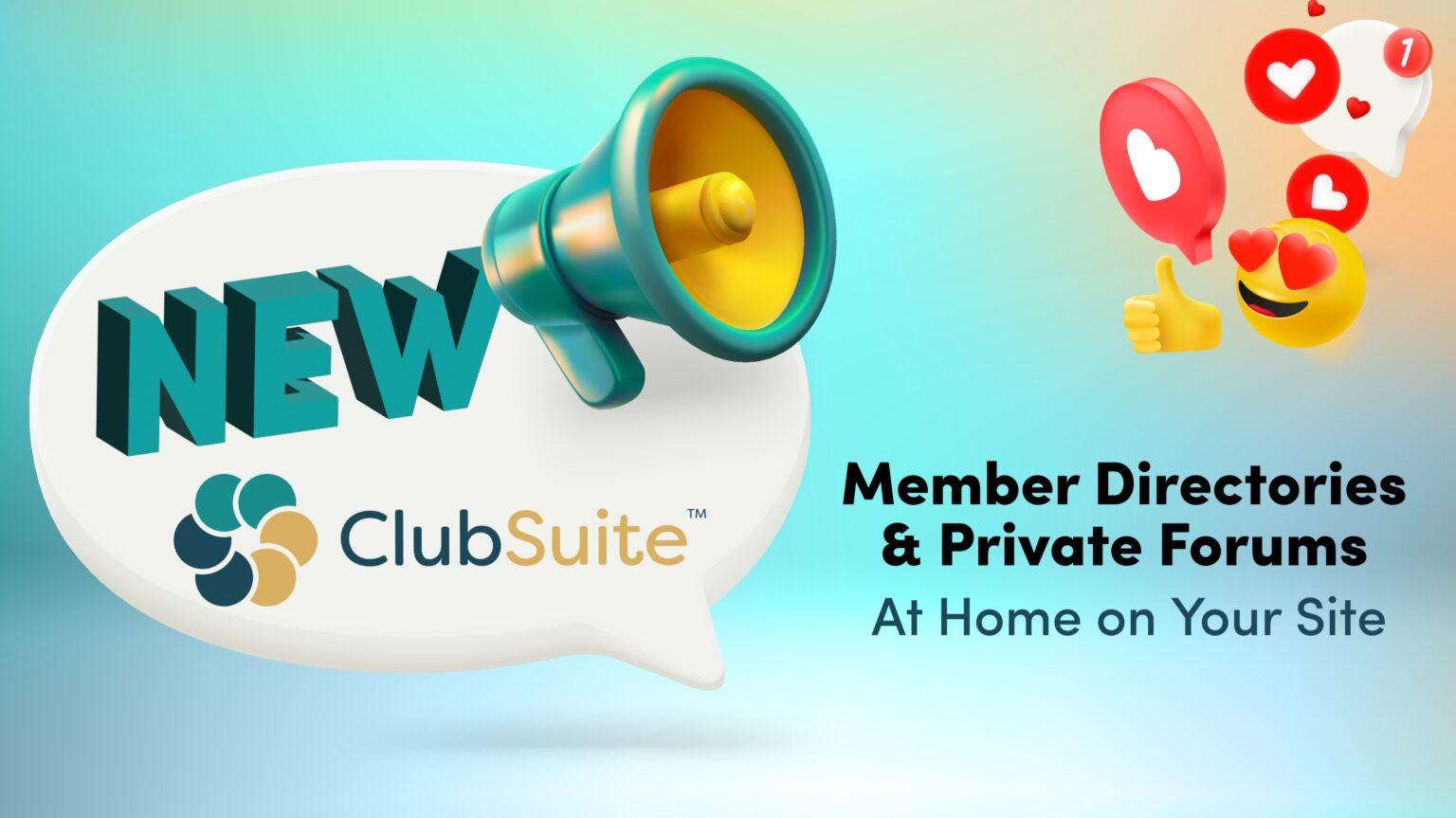
NEW ClubSuite™: Bring Your Community Home
See how forums, profiles and directories work for your members.
Examples
10 Online Community Site Examples Built With MemberPress
See how communities in different niches set up their sites.
Frequently Asked Questions
Can I run free and paid tiers in the same community?
Yes. Create a free membership and as many paid levels as you need, and decide what each level can see and join.
Can premium members have their own space?
Yes. Tie a Circle to a membership level and only members on that level can join it. ClubCircles™ is included with Growth and Scale.
How do I keep discussions on track?
Your community starts with a set of rules you can edit. Members flag posts that break them, moderators review flagged posts in a queue, and you can mute or ban a member.
Can members choose whether they appear in the directory?
Yes. Members can opt out of a directory, and you choose which profile fields it shows.
Can members message each other?
Yes. Members can send private messages and join group chat rooms, and every Circle and directory gets its own room. Room access follows your membership rules, so only the right members can join. Messaging is available with the Scale plan.
Can I move over from the platform I use now?
Yes. You can import your member list from a spreadsheet and set up the same membership levels. You set up your discussion spaces again as Circles.
Do I need a developer to set it up?
No. Setup is a series of settings in your WordPress dashboard: memberships, Circles, your directory and payments. A developer only helps if you want a custom design.
Your members want a place to talk to each other. Give them one on a site that is yours.
14-day money-back guarantee. Full refund if it’s not right for you.