Build and Sell Your Certification Program on Your Own Site
MemberPress turns your WordPress site into a training platform. Sell courses with quizzes and completion certificates, and keep every student record in your own database.
14-day money-back guarantee
Example site. Names and figures are illustrative.
Recommended by top influencers and web hosts



Everything your program needs, on the site you already have
Courses and lessons. Build courses with lessons in a drag-and-drop curriculum, and release them on a schedule so students work through them in order.
Quizzes and assignments. Check what students have learned with quizzes and assignments built into the course.
Completion certificates. Students receive a completion certificate when they finish, with an optional expiration date so they renew their training on your schedule.
Annual renewals. Sell annual access that renews automatically, with reminder emails before each renewal date, so you stop chasing students.
Protected materials. Keep course content and exam resources for enrolled students only, with access ending when a subscription lapses.
Seamless payments. Take payments through Stripe, PayPal and Square, and offer coupon codes for early-bird or cohort pricing.
Member admin in plain language. Ask an AI app such as Claude or ChatGPT to find a student, list upcoming renewals or report on revenue. Changes show a preview first, and refunds and deletions wait for your approval. Membership MCP is included free.
Features vary by plan. See the pricing page for what each plan includes.
What setting up your program looks like
- Pick your MemberPress plan and install it on your WordPress site.
- Build your course with lessons, quizzes and assignments.
- Create a membership for enrollment, one-time or annual, and set the price.
- Connect your payment method and turn on completion certificates and renewal reminder emails.
- Publish your enrollment page. Students pay, get access to the course and appear in your records straight away. ReadyLaunch™ styles your essential pages, so your site looks professional without any code.
“MemberPress has been an integral part of my training courses for approximately the past 5 years. I would not have been able to make the pivot within the business during COVID without it.”
Jarvis Hunt Consultancy
via Trustpilot
Your program stays yours
Hosted course platforms are quick to start on, but your student records, your checkout and your course rules sit inside their system. On your own site, you hold all three.
Example report. Figures are illustrative.
The student records are yours.
Names, contact details, enrollments and payment history live in your own database. Export them any time and use them in the email tool your team already knows.
The checkout is yours.
Students pay through your own payment processor account, so the money goes straight to you.
The terms are yours.
You set the price, the renewal period and who has access, and no platform can change those rules or its fees without your say.
Certification and CE programs that run on MemberPress
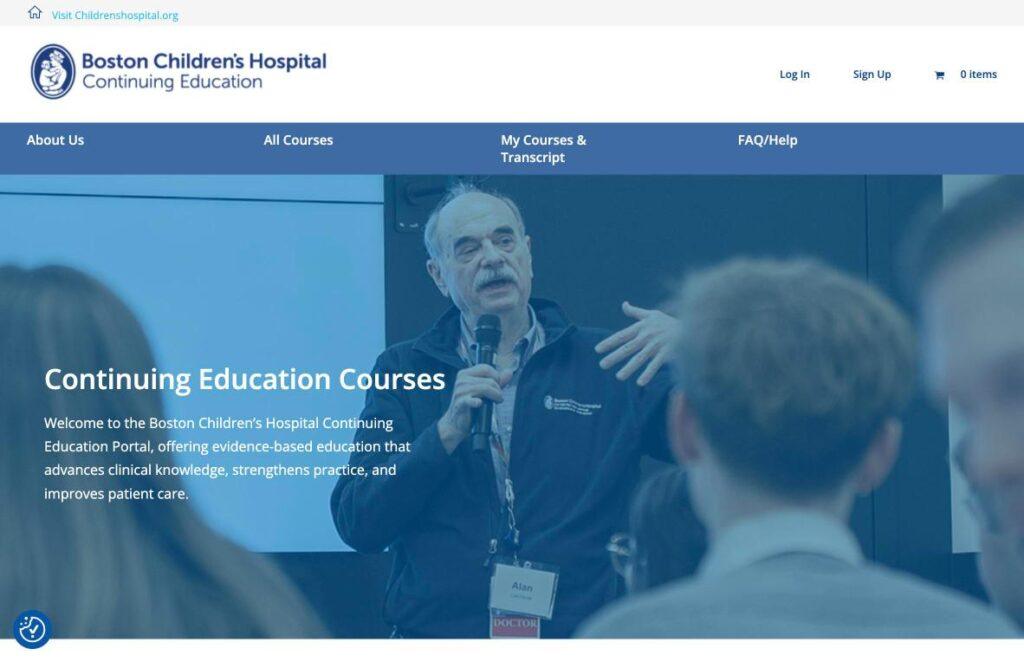
Boston Children’s Hospital runs its Continuing Education Portal on MemberPress, where clinicians create an account, buy CE courses, complete them online and download a transcript.
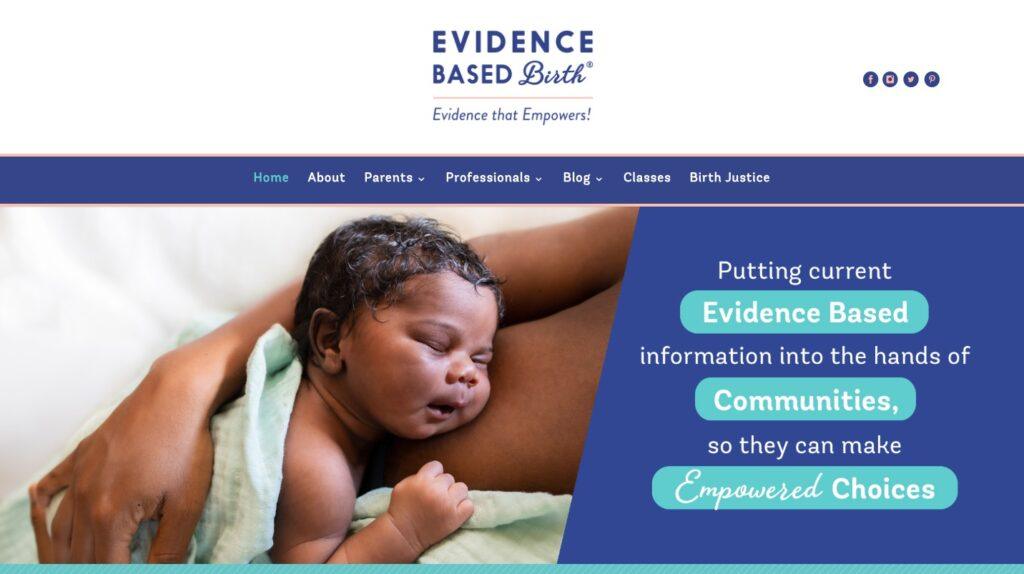
Evidence Based Birth offers research-backed childbirth education, CE courses and an instructor certification program for birth professionals, and runs its Professional Membership on MemberPress.

A.T. Still University offers continuing education and certificate programs for healthcare professionals alongside its online degrees, and uses MemberPress to manage sign-up, payment and access.
“I’ve been using MemberPress for years and find it to be consistently reliable, solid, effective, and rich in features. It is the backbone of my membership and training site.”
C. Chaves
via Trustpilot

Resources for Certification Providers
Practical guides from the MemberPress blog for professionals who turn their expertise into a certification or CE program.
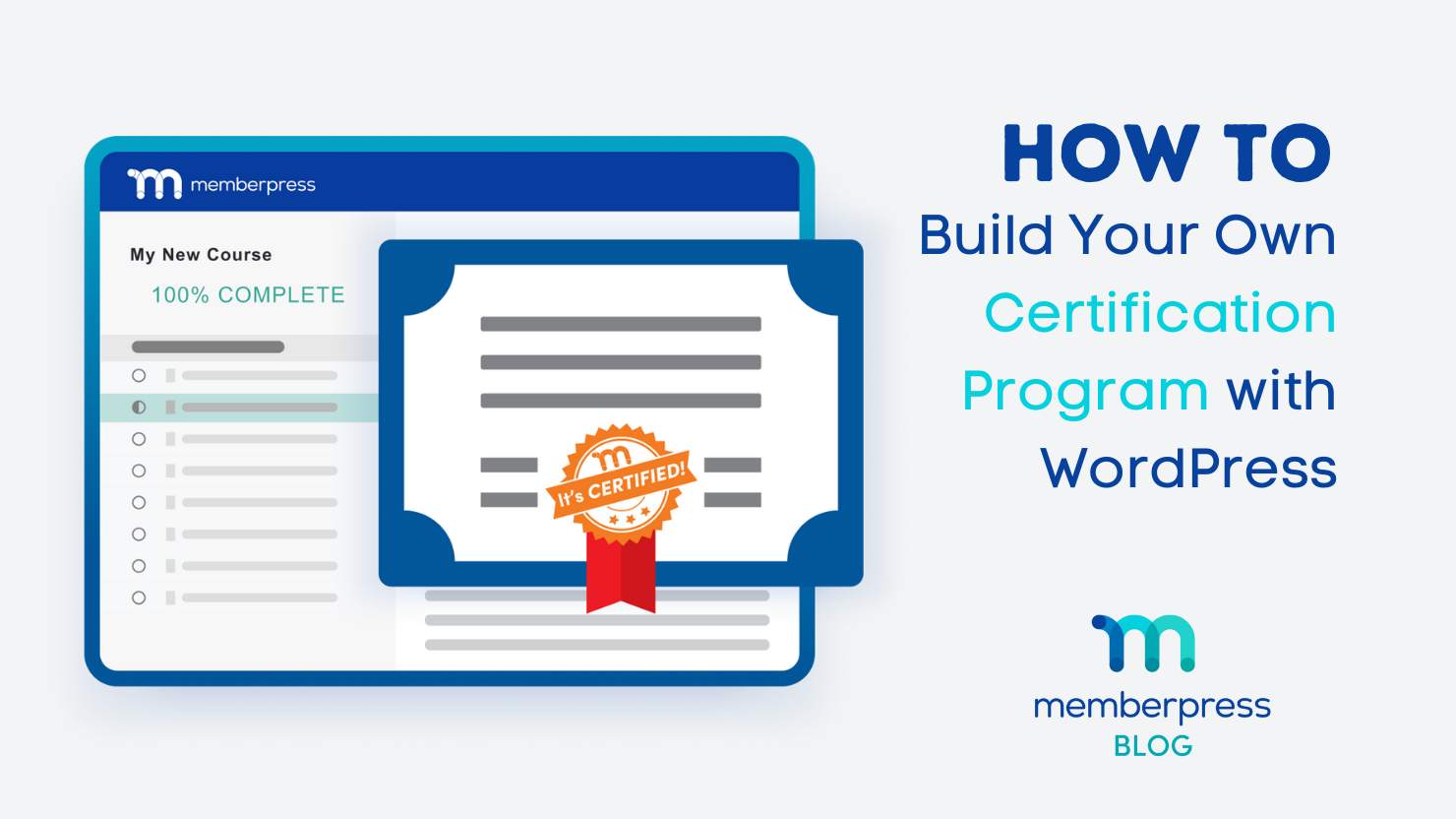
Setup
How to Create a Certification Program with WordPress
Set up courses, quizzes and certificates on your own WordPress site.
Platform
How to Turn WordPress Into an LMS (In 5 Easy Steps)
Build a learning platform you own, from course structure to payments.
Examples
100+ Membership Sites that’ll Inspire You to Start Your Own
See how CE providers, hospitals and training programs set up their sites.
Frequently Asked Questions
Can students earn a certificate when they finish?
Yes. Students receive a completion certificate when they finish a course. Completion certificates are available on Growth and Scale.
Can certificates expire so students have to renew?
Yes. You set an expiration date on a certificate, from days to years, and you can reset the student’s course progress when it expires so they retake the course. Certificates are available on Growth and Scale.
Can I charge for annual renewals?
Yes. Sell annual access that renews automatically, with reminder emails before each renewal date. If a student does not renew, their access to protected materials ends.
Can I move over from the course platform I use now?
Yes. You can import your student list from a spreadsheet and set up the same membership levels. You rebuild your course content in the course builder.
Can an employer enroll a team?
On the Scale plan, Corporate Accounts let an organization hold one membership and add sub-accounts for its own staff.
Does it work with the email tool we already use?
A Mailchimp integration is included on every plan, and Zapier on Scale connects most other email and CRM tools.
Do I need a developer to set it up?
No. Setup is a series of settings in your WordPress dashboard: courses, memberships and payments. A developer only helps if you want a custom design.
Your students want a credential they can earn online. Give them a site that delivers it under your name.
14-day money-back guarantee. Full refund if it’s not right for you.