Turn Your Consulting Expertise Into Recurring Revenue
Start with a private client portal on your own WordPress site, then add paid resources, retainers and courses without switching tools.
14-day money-back guarantee
Example site. Names and figures are illustrative.
Recommended by top influencers and web hosts




Why consultants choose MemberPress
Income that isn’t tied to your hours.
Sell templates, frameworks and retainers alongside your client work, so your income no longer depends on the hours left in your week.
Set up fast, even in a busy quarter.
Setup is a series of settings in your WordPress dashboard, so you can have a client portal live in a week without a developer.
Room to grow in one plugin.
Add a resource library, retainers, courses or a community later, in the same dashboard, with nothing new to learn and nothing to rebuild on someone else’s platform.
Everything your consulting business needs, on the site you already own
A private client portal. Give clients a password-protected area with onboarding materials, deliverables, session recordings and progress updates.
Access that follows payment. Client access starts when they pay and ends when a retainer lapses, so you never update it by hand.
Monthly retainers. Bill retainers automatically, with reminder emails before each renewal date.
A paid resource library. Turn the templates, frameworks and playbooks you already use with clients into a library people pay to access.
Courses. Package your method as a self-paced course, and release lessons on a schedule.
A paid community. Invite your best clients into a members-only space where they learn from each other (ClubCircles™).
Seamless payments. Take payments through Stripe, PayPal and Square.
Member admin in plain language. Ask an AI app such as Claude or ChatGPT to find a client, list upcoming renewals or report on revenue. Changes show a preview first, and refunds and deletions wait for your approval. Membership MCP is included free.
Features vary by plan. See the pricing page for what each plan includes.
“Instead of trying to connect multiple plugins for payments, memberships, courses, and access control, this brings it all into one system that actually works together. That alone removes a lot of complexity and potential points of failure.”
Christine F. Abela
via Trustpilot
You’re 7 Days Away from Accepting Your First Payment
You don’t need a full product line to start. You need a portal, a price and a way to get paid.
Here is how a week can look:
- Day 1: Pick your plan and install MemberPress on your WordPress site.
- Day 2: Create your client membership and set your price.
- Days 3 and 4: Add your onboarding materials, deliverables and resources, and protect them with Rules.
- Day 5: Connect your payment method.
- Day 6: Publish your sign-up page and run a test sign-up yourself. ReadyLaunch™ styles your essential pages, so the whole experience looks professional without any code.
- Day 7: Invite your first client and start taking payments.
“MemberPress has been an integral part of my training courses for approximately the past 5 years. I would not have been able to make the pivot within the business during COVID without it.”
Jarvis Hunt Consultancy
via Trustpilot
Start with a portal and grow from there
You choose what comes next, and when. Each step adds to the site you already have, in the same plugin.
There is nothing new to learn at each step and no content to move, because it all runs in the same dashboard.
Advisory and research businesses that run on MemberPress
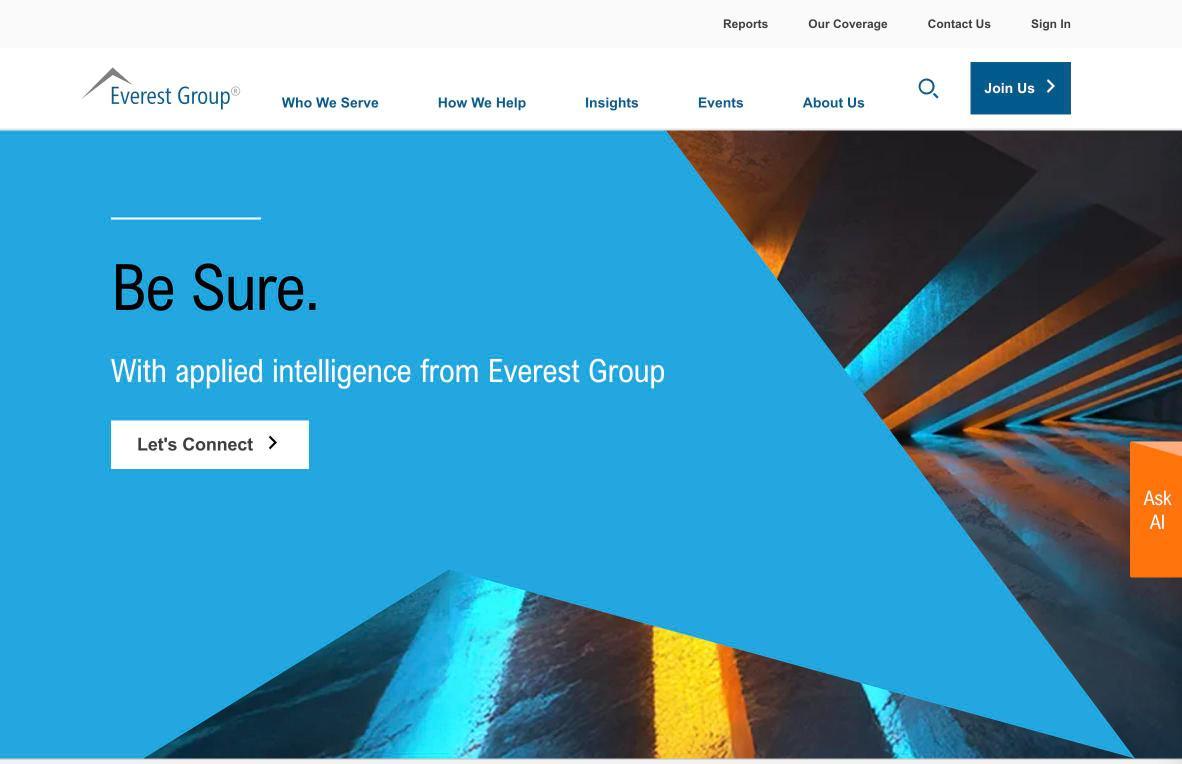
Everest Group is a global research and advisory firm. Its research portal runs on MemberPress, where members access research, data and expert assessments based on what their membership includes.
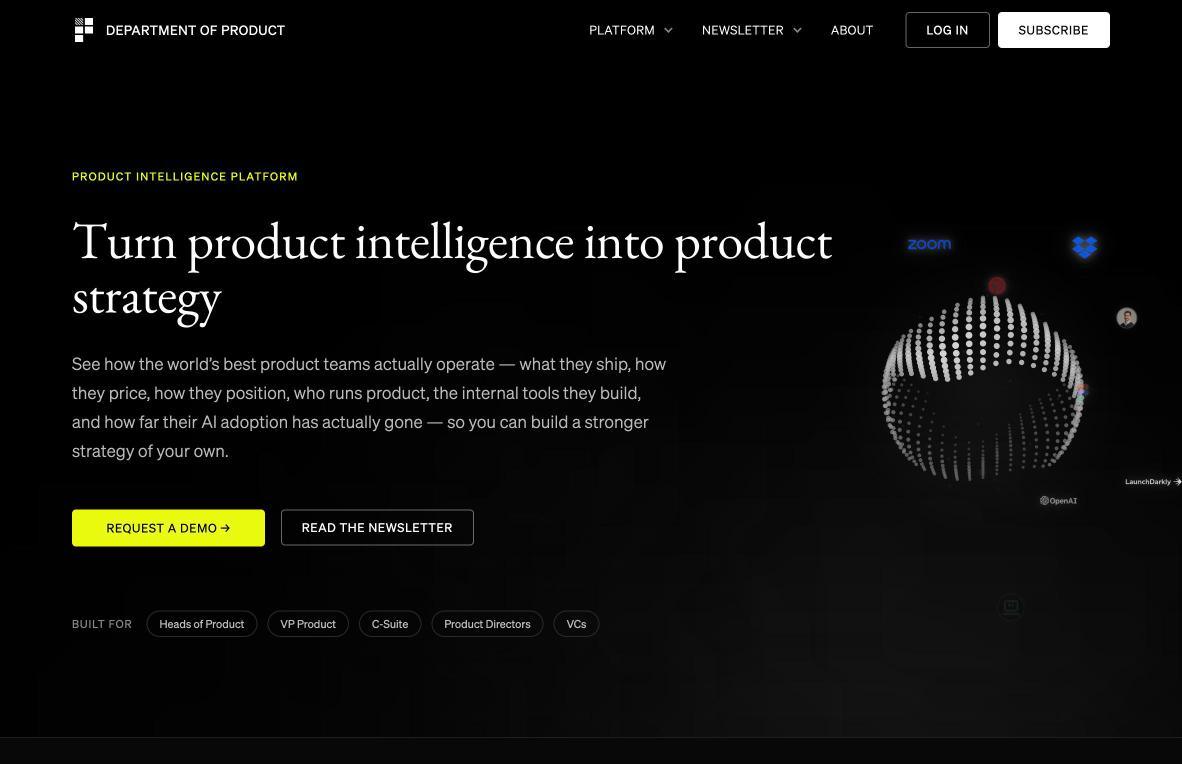
Department of Product sells product intelligence to professionals, including briefings, deep-dive reports and its Knowledge Series, with access managed by MemberPress.
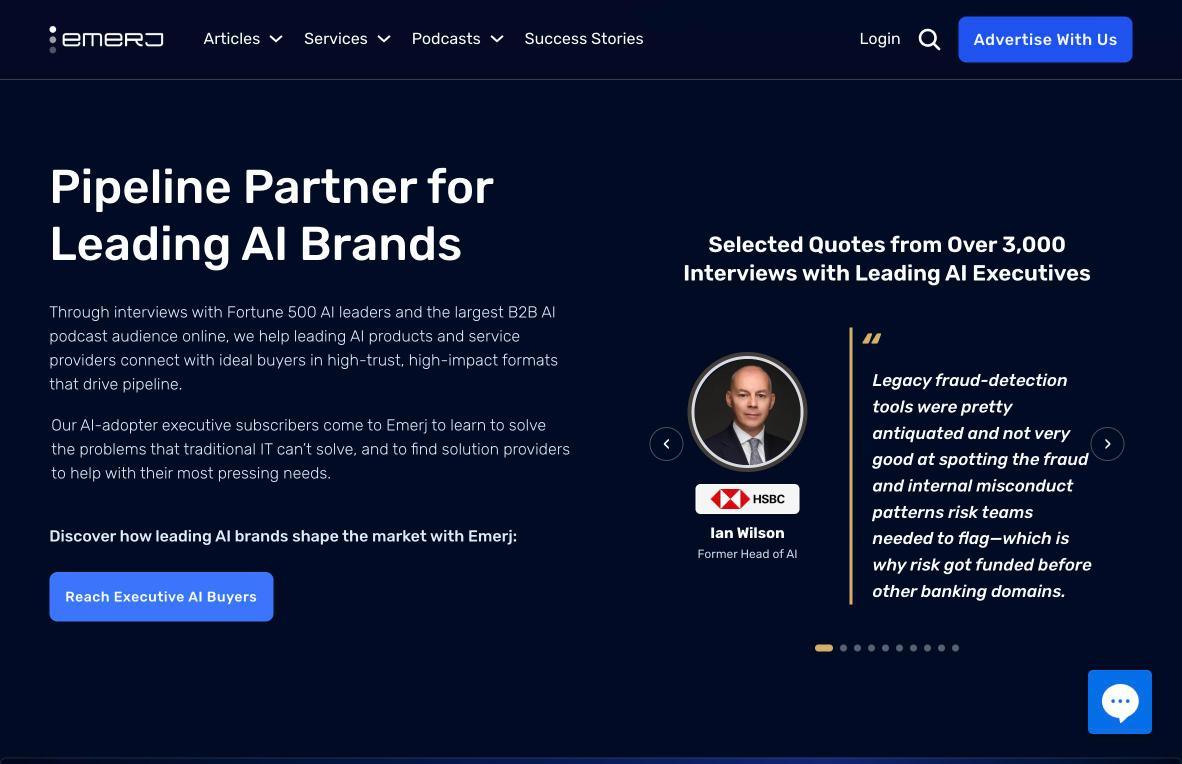
Emerj Plus gives consultants and innovation leaders AI white papers, an AI use-case explorer, executive guides and searchable interviews, sold on monthly, annual or lifetime plans through MemberPress.
“For the last couple of years, I’ve been using Memberpress for a client’s portal site. … So far the site has never skipped a beat and my client has been extremely satisfied!”
Gary Potts
via Trustpilot


Resources for Consultants
Practical guides from the MemberPress blog for consultants who want to sell more than their time.

Setup
How to Create a Consulting Website with WordPress (and Why You Should)
Set up a client portal, retainers and paid resources on your own site.
Platform
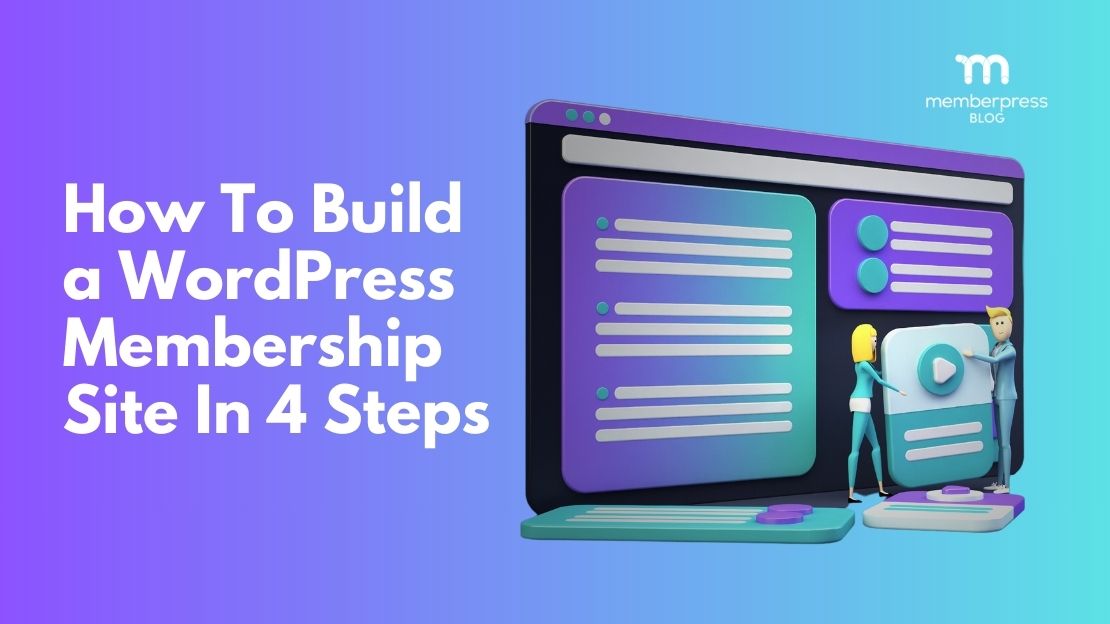
How To Build a WordPress Membership Site In 4 Steps
Go from installing MemberPress to a live membership you can sell.

Examples
100+ Membership Sites that’ll Inspire You to Start Your Own
See how advisory firms, publishers and training providers set up their sites.
Frequently Asked Questions
Can I give my clients a private area?
Yes. Create a protected client area and decide who can see each page with Rules. Clients log in on your site and see only what their membership includes.
Can I charge a monthly retainer?
Yes. Sell recurring subscriptions or one-time fees, and let renewals and payment notifications run automatically.
Can I sell templates and frameworks, not only client work?
Yes. Protect downloads and pages so only paying members can open them, and sell access as a subscription or a one-time purchase.
Can I start with a portal and add products later?
Yes. Everything runs in the same plugin, so adding a resource library, courses or a community later means adding to your site, not rebuilding it.
Can I sell to a company and let its team log in?
On the Scale plan, Corporate Accounts let an organization hold one membership and add sub-accounts for its own staff.
Do I need a developer to set it up?
No. Setup is a series of settings in your WordPress dashboard: your membership, your protected content and your payments. A developer only helps if you want a custom design.
Your expertise can earn beyond the hours in your week. Start with a client portal on a site you own.
14-day money-back guarantee. Full refund if it’s not right for you.