Run Your Association’s Memberships on a Site You Own
MemberPress turns your WordPress site into a membership system. Collect dues and publish member-only resources, with every member record stored in your own database.
14-day money-back guarantee
Example site. Names and figures are illustrative.
Recommended by top influencers and web hosts








The case for your own site
One annual cost your board can plan around.
Many association management platforms price by the size of your contact list and move you into a higher tier as it grows, so the total changes as your membership does. MemberPress is one annual license with unlimited members. The Growth and Scale plans add no transaction fees on top of your payment processor’s, so the number is easy to put in a budget.
Your association probably has a WordPress site already. With MemberPress, that site takes dues, controls who sees member-only pages and keeps every record in your own database. Your staff can run it themselves.
Everything your members need, on the site you already have
Dues and renewals. Collect annual dues and let members renew on their own, with reminder emails before their renewal date, so your staff stops chasing invoices.
Seamless payments. Take dues through Stripe, PayPal and Square, and even record manual payments.
A member directory. Members find colleagues in their profession or region from profiles and a directory on your own site (ClubDirectory™).
Member-only resources. Keep standards documents, recordings and meeting minutes for current members only, with access ending automatically when a membership lapses.
A place to talk between events. Give members forums to ask questions and answer each other, on your own domain (ClubCircles™).
Member admin in plain language. Ask an AI app such as Claude or ChatGPT to find a member, list upcoming renewals or report on revenue. Changes show a preview first, and refunds and deletions wait for your approval. Membership MCP is included free.
Features vary by plan. See the pricing page for what each plan includes.
What setting up your member system looks like
- Pick your MemberPress plan and install it on your WordPress site.
- Create a membership level for each type of member, with its dues amount and term.
- Decide what is for members only using Rules, whether that is one page, a category or a whole section.
- Connect your payment method and turn on renewal reminder emails.
- Publish your join page. New members pay, get access and appear in your records straight away. ReadyLaunch™ styles your essential pages, so your site looks professional without any code.
“Our volunteer IT team at our nonprofit noted how easy it was to set up. We have been using it for over a year and are very pleased.”
Great Careers P.
Executive Director (via Capterra)
Your members stay yours
Hosted association platforms are quick to start on, but your records, your renewal setup and your member pages all live inside their system. On your own site, you hold all three, and a change of software never puts your membership at risk.
Example report. Figures are illustrative.
The records are yours.
Member names, contact details and payment history live in your own database. Export them any time and use them in the email tool and spreadsheets your team already knows.
The site is yours.
Members join, log in and renew on your domain, under your association’s name, with the design your board approved.
The dues are yours.
Payments go from your members to your payment processor to your account. On Growth and Scale, MemberPress adds no transaction fees on top.
Associations that run on MemberPress

The Plastics Industry Association serves the plastics supply chain through advocacy, standards, market research and events, and uses MemberPress for its membership.
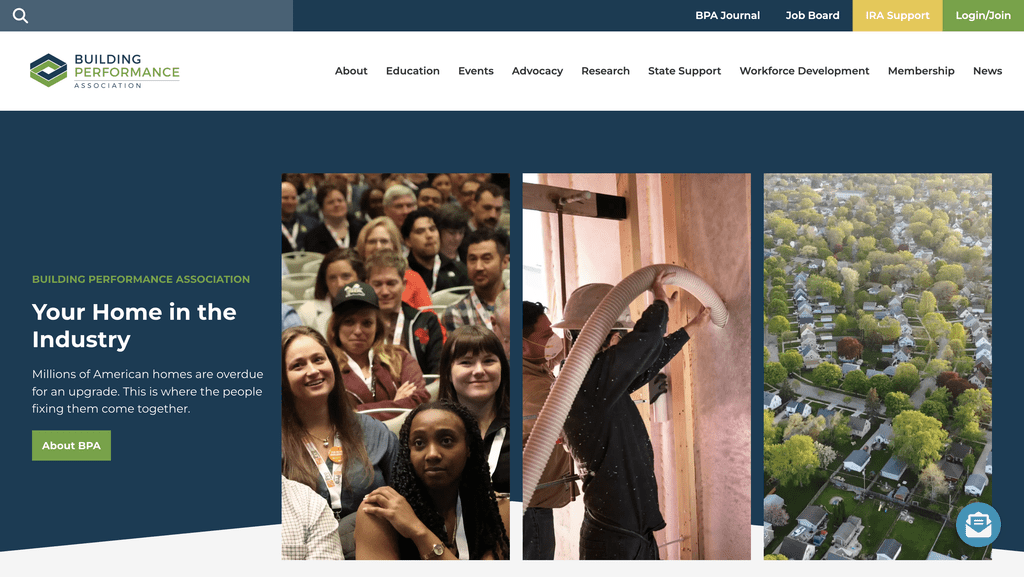
The Building Performance Association supports professionals who work to improve the energy efficiency, health and safety of buildings, and uses MemberPress for its membership.

The UK Business Angels Association is the trade association for angel and early-stage investment in the UK, and uses MemberPress for its membership.
“We’ve been using MemberPress for years and have found it to be the right solution for our association. It integrates smoothly with our payment systems and email marketing tools, and makes it easy to lock down content for different membership levels.”
Jon
via Trustpilot



Resources for Association Leaders
Practical guides from the MemberPress blog for executive directors and staff who run a membership organization.

Examples
8 Association Membership Site Examples
See how national and regional associations set up their member sites.
Dues
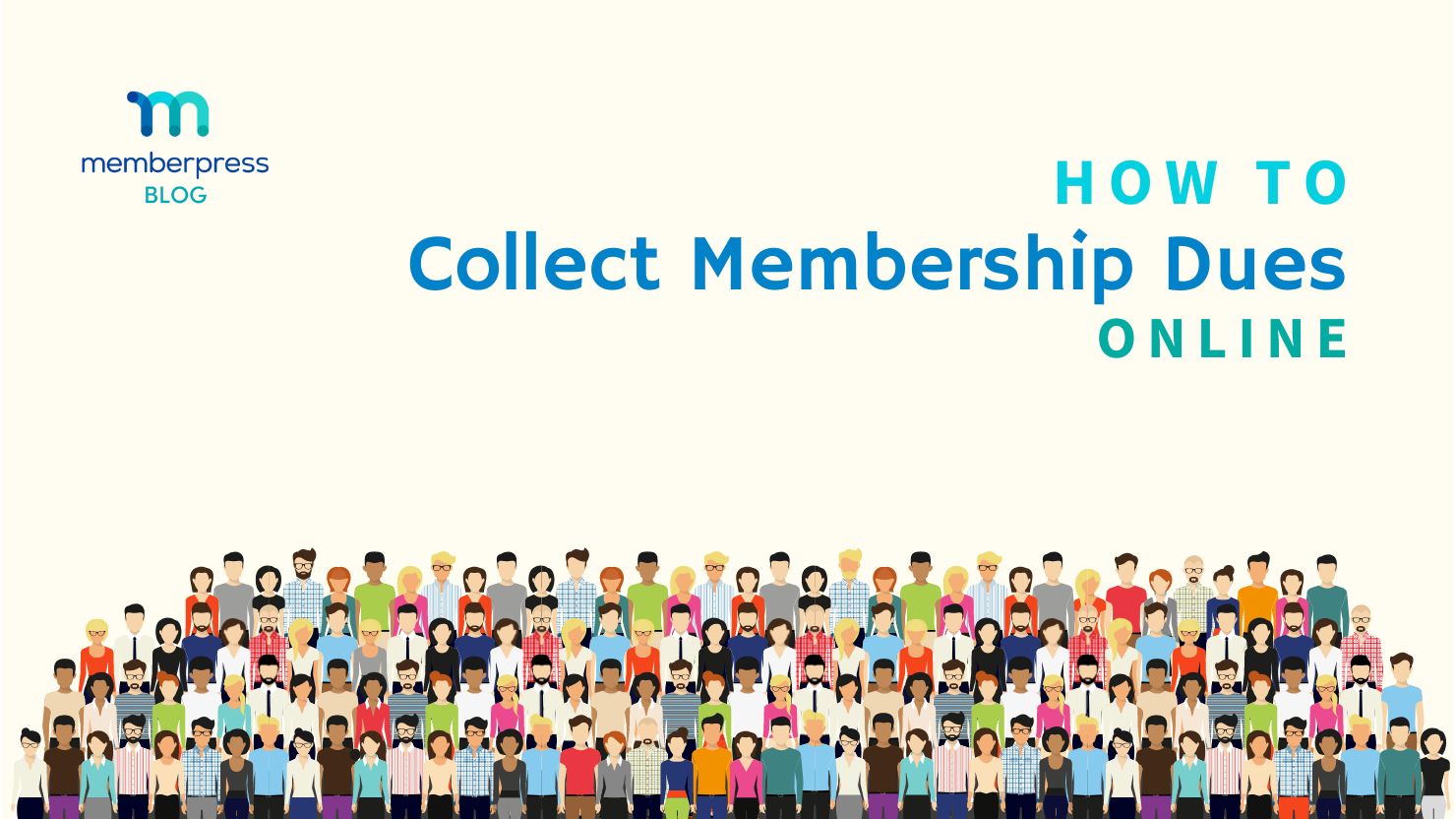
How to Collect Membership Dues Online (In 3 Steps)
Set up recurring dues with automatic billing on your own WordPress site.

Directories
How to Create a Business Directory in Your Membership Site
Give members a directory where they can find each other.
Frequently Asked Questions
Can members pay by check or bank transfer?
Yes. You record the payment as received and the member’s access starts straight away. Manual payments are available on Growth and Scale.
Can I move over from the association software we use now?
Yes. You can import your member list from a spreadsheet, set up the same membership levels and send members a link to log in.
Can members choose whether they appear in the directory?
Yes. You can let members opt out of a directory, hide their whole profile or hide individual profile fields.
Can chapters or corporate members manage their own people?
On the Scale plan, Corporate Accounts let an organization hold one membership and add sub-accounts for its own staff or chapter officers.
Does it work with the email tool we already use?
A Mailchimp integration is included on every plan, and Zapier on Scale connects most other email and CRM tools.
Do we need a developer to set it up?
No. Setup is a series of settings in your WordPress dashboard: membership levels, Rules and payments. A developer only helps if you want a custom design.
Your members already expect to join and renew online. Give them a site that handles it.
14-day money-back guarantee. Full refund if it’s not right for you.