

Planning on shifting your community away from social media and onto your WordPress site? You’re onto something.
Lately, I’ve been reading a lot about the massive shift away from generic social media platforms toward smaller, more niche communities.
People (myself included) are starting to feel a little “fried” by the noise of big-box social media. It’s exhausting navigating a single feed where your mom, your boss, and a handful of political strangers are all shouting for attention.
Even when your members set out to interact intentionally with your content, it’s only a matter of time before a stray algorithm sucks them down a wormhole of infinite scrolling.
Your intuition to bring your community home to your own site is bang on. By creating a dedicated space, you give your tribe a way to connect without the distractions or the drama.
In this post, I’m going to show you exactly how to ditch the third-party platforms and build a vibrant, self-sustaining community right where it belongs: on your own turf.
How to Build an Online Community: 5 Must-Know Tips
I’ve put together this 5-step strategy to take you from a static membership list to a self-sustaining ecosystem.
We’re going to move from the “big picture” of your community’s vibe straight into the precise tools and engagement tactics that make member connection feel like a natural part of your business.
So whether you’re looking to boost course completion rates or give your professional association a networking edge, these steps are your clear path forward.
1. Define Who Your Community is For (and Why)
Before you start installing plugins, it’s worth taking a second to think about the vibe of your site.
Are you building a high-energy “water cooler” where members chat daily, or a professional “yellow pages” where people go to find experts?
Maybe you just need a quiet corner for students to swap notes without the noise of a public forum.
Here’s how that looks in action across different niches:
🎓 Level Up Your Online Courses
Learning is always better with a buddy. Instead of students just watching videos in a vacuum, a community turns your course into a living classroom.
- Study Buddies: Give students a place to ask “Is it just me, or is Chapter 4 hard?” and get instant support from peers.
- The “Stickiness” Factor: Students who feel connected to their classmates are far less likely to cancel their subscriptions.
💼 Professional Associations & Trade Sites
For pros, it’s all about who you know. You can transform a simple member list into a high-powered networking hub.
- Find an Expert: Allow members to search for peers with specific skills, making your site the “go-to” resource for industry connections.
- Secure Shop Talk: Give professionals a gated space to discuss sensitive industry trends away from the prying eyes of the public.
🏋️ Coaching & Wellness Groups
Transformation happens in the gaps between coaching calls. A community fills those gaps.
- Win Walls: A dedicated space for members to post their progress, keep each other accountable, and celebrate the small victories.
- Peer Mentorship: Let your veteran members help the newbies, which takes the pressure off you to answer every single question.
🎨 Fan Sites & Niche Hobbies
Whether it’s birdwatching or 3D printing, hobbyists are looking for “their people.”
- Show & Tell: Provide a distraction-free gallery where members can share photos of their projects without the drama of mainstream feeds.
- Direct Access: Make your members feel like VIPs by giving them a direct line to you and other enthusiasts who “get” their obsession.
2. Simplify Your Tech Stack (Bring it All Home)
Once you know the vibe, it’s time to pick your tools. This is where a lot of site owners get stuck in “plugin purgatory”, trying to duct-tape five different social plugins together, only to have them break every time WordPress updates.
Or worse, they send their members away to a “rented” space like a Facebook Group or Discord.
But remember: on social media, you don’t own the platform, and you certainly don’t own the data.
The best way to build a community is to keep it under one roof. That’s why we built MemberPress ClubSuite™.
ClubSuite™ is a total community solution that fits whatever “vibe” you chose in Tip #1. It combines two heavy-hitting tools:
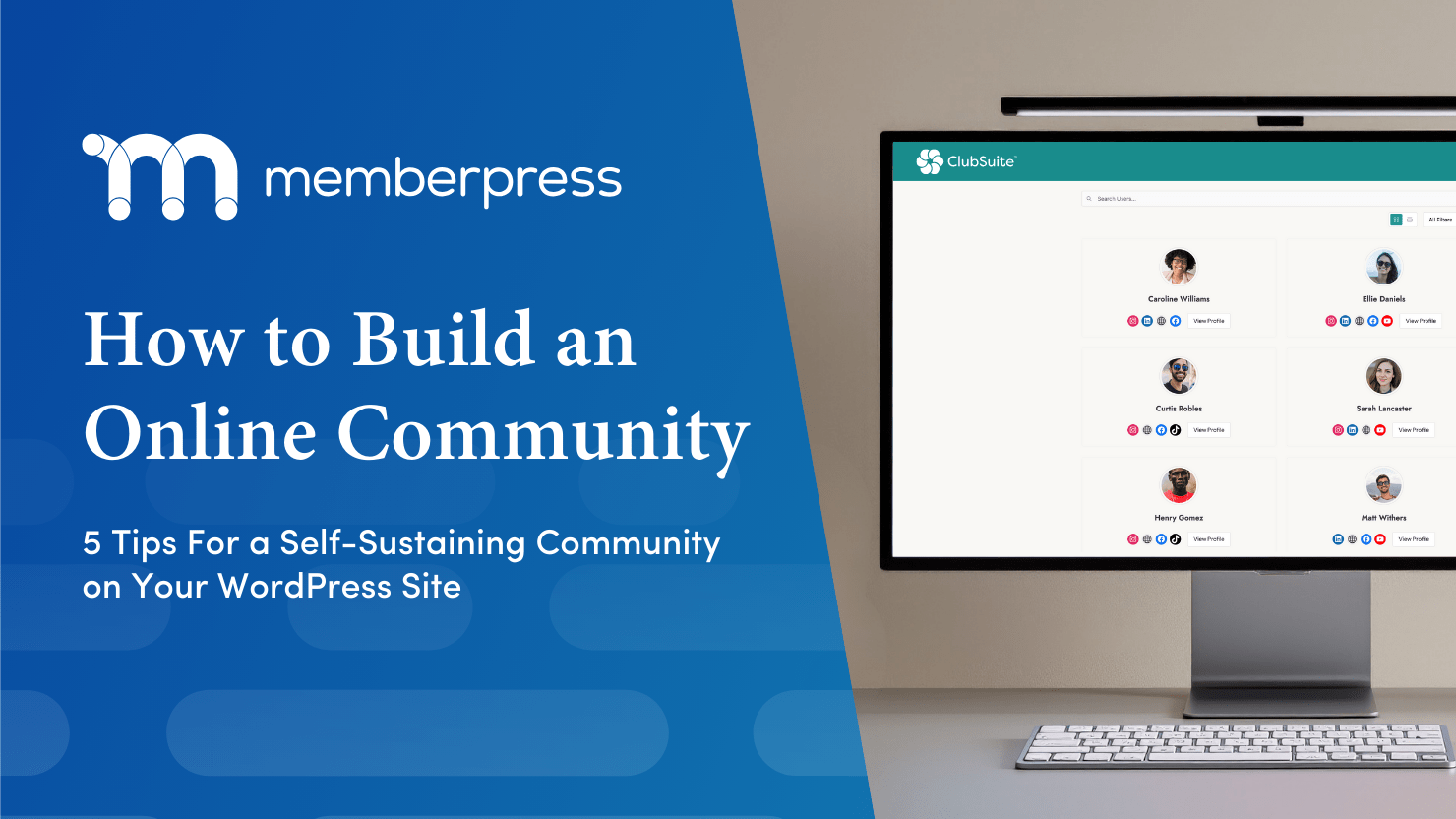
- ClubDirectory™: This turns your static member list into a living network. You can create searchable directories, let members build out rich profiles, and help people find exactly who they’re looking for.
- ClubCircles™: This is where the conversation happens. It allows you to create private, member-only forums and “circles” right on your site. No distractions, no algorithms, just real connection.
MemberPress lets you build and run your community under the same plugin that runs your membership site, your online course, or your coaching platform.
By using ClubSuite™, you’re creating a seamless, professional experience that lives entirely on your own domain. It’s easier for you to manage, and way more valuable for your members.
3. Keep Your Community Troll-Free
Once the “virtual doors” to your community are open, your next job is to make sure it stays a place people actually want to hang out.
Nothing kills a community faster than spam, negativity, or that one guy who won’t stop pitching his crypto scheme in the middle of your yoga forum. (Namaste out of it, am I right?)
On big social media platforms, you’re at the mercy of their (often questionable) moderation. But when you bring your community home to WordPress, you’re the sheriff.
MemberPress’s community features have built-in moderation and safety features to prevent community management from being a full-time babysitting gig.
How to protect your (and your members’) peace:
- Gate Your Content: With MemberPress, you have total control over who sees what. You can make sure your discussion “Circles” are only accessible to active, paying members. This automatically keeps the random internet trolls at bay.
- Curate Your Space: Use ClubCircles™ to set up specific boards for specific topics. By keeping conversations organized, you prevent your community from becoming a chaotic “free-for-all” and make it easier to spot (and delete) off-topic posts.
- Empower Your Members: A safe space is one where everyone feels respected. Use your community guidelines to set the tone early. Since ClubDirectory™ gives members a real profile with a name and a face, people are much more likely to act like actual humans and less like anonymous keyboard warriors.
- Make the Most of Moderators: In the ClubCircles™ permissions settings, you can enable moderators to delete flagged content and ban/unban members so that as your community scales you aren’t burdened with moderation admin.
- Privacy by Design: Give your members the power to control their own visibility. ClubDirectory™ allows members to choose which parts of their profile are public and which are private, ensuring they feel secure while they network.
Make your community a “safe haven”, and you’ll distinguish your community from hostile social media sites that people increasingly find off-putting.
4. Spark Engagement (and Keep the Fire Burning)
You’ve built the house, you’ve set the house rules, and you’ve invited everyone over. Now comes the part that keeps most site owners up at night: What if nobody talks?
A community isn’t a “set it and forget it” feature. To get that self-sustaining momentum, you need to give your members a reason to log in every day.
Here is how to move the needle with high-impact, actionable tactics:
Use “The Bridge” Technique for Newbies
Give people a reason to overcome their “lurker” instincts. The goal is to move members from being passive observers to active contributors:
- Create “Welcome” Circles: Create a dedicated “Introduce Yourself” circle in ClubCircles™ and include it as part of the onboarding process. It’s the easiest way to get someone to make their first post and feel seen by the group.
- The Low-Stakes Prompt: Pin a post at the top of your most popular Circle with a prompt that requires zero brainpower to answer. Example: “Post a GIF of how your week is going” or “What’s the #1 project on your desk today?”
- The “Tag-In” Method: When a new member joins, tag them in an ongoing, relevant thread. Instead of saying “Welcome!”, say: “@Sarah, we were just talking about [Topic] and I remembered your profile mentioned you’re an expert in this—what do you think?” This pulls them directly into the community experience.
Run High-Octane “Activity Bursts”
Schedule specific, time-bound events that create FOMO (Fear Of Missing Out):
- Flash Q&As: Announce that you’ll be live in a specific ClubCircle™ for exactly 60 minutes to answer questions on one specific topic. The time limit creates urgency.
- Challenge Circles: Start a “7-Day Jumpstart” where members must post their daily progress in a dedicated circle.
Seed the Content
Ever notice how a waiter will put a few dollars in their own tip jar to start the night? Do the same for your community.
- The 3-2-1 Rule: For every piece of content you post, leave 3 thoughtful comments on member posts, ask 2 open-ended questions in different circles, and highlight 1 member’s win from the directory.
By layering these intentional social “nudges,” you’re building a system that practically demands engagement!
5. Turn Conversations into Conversions (Monetization)
The ultimate “win” for any site owner is a community that drives your revenue upward. When you own the platform (instead of “renting” space on social media), you have the power to turn engagement into a business strategy.
Because ClubSuite™ is built directly into MemberPress, you don’t have to jump through hoops to monetize. The community and the checkout are one and the same.
Here are three actionable ways to make your community a profit center:
Create “VIP-Only” Circles
Don’t give everything away for free. You can use ClubCircles™ to create tiered levels of access.
- The Strategy: Offer a basic discussion board for all members, but reserve a “Mastermind Circle” or a “Direct Access” board for your highest-paying tier.
- The Action: In MemberPress, simply create a new Rule. Set it so only your “Pro” or “Gold” members can access that specific Circle. It’s an instant incentive for people to upgrade their plans.
Sell “Featured” Directory Listings
If you run a professional association or a niche industry site, your directory is a goldmine for networking.
- The Strategy: Allow members to pay a premium to be “Featured” at the top of the ClubDirectory™ search results.
- The Action: Use a “Corporate” or higher-tier membership level that includes “Featured Status” as a perk. When other members search for experts, your premium members get the spotlight (and the leads).
Use Community Insights to Sell Your Next Product
Your community is the world’s best focus group. By watching what people are talking about in your Circles, you can identify exactly what your members are struggling with.
- The Strategy: Notice a recurring question in your “Beginner Circle”? That’s the topic of your next paid mini-course or ebook.
- The Action: Once you launch that new product, you can drop a link directly into the relevant Circle. Since you’ve already built trust and authority in that space, your conversion rates will be significantly higher than a cold email blast.
Conclusion: Bringing it All Home
Building an online community is an excellent way to connect like-minded individuals and grow your business.
Create a space where people with shared experiences and goals can come together. In return, you get to establish yourself as an authority in your niche, build brand loyalty, and generate recurring revenue.
In this blog post, we’ve shared five must-know tips for building an active and engaged online community. To recap:
- Hone in the main purpose of your online community (who is it for and why)
- Find the plugin that will do the job
- Set clear community guidelines and enforce them
- Get people talking and keep the engagement rolling
- Monetize the value you’ve created!
By investing in your community and providing value to your audience, you can build a loyal following that will support your business and fuel your growth.
We’ve given you the codes, now it’s time for you to put it all into action and start building a loyal and engaged community to help grow your business.
LET’S GO!
Ready to ditch the algorithms and bring your community home? Choose your MemberPress plan and get started with ClubSuite™ today!

Get MemberPress Today!
Start getting paid for the content you create.

Got any tips on how to build an online community? Let us know in the comments section below.
If you found this article helpful, follow us on Facebook, Twitter, Instagram, and LinkedIn!












Add a Comment