


MemberPress allows you to specify a handful of different custom field types that a member must fill out when registering for a Membership account on your website. In some cases, you may want to …
Continue Reading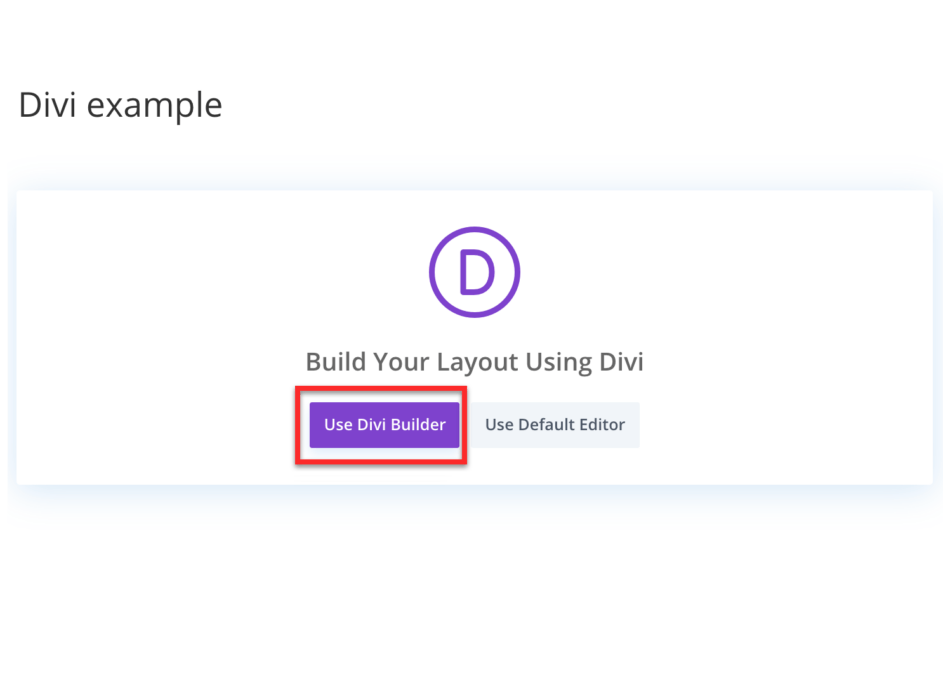
Installing & Configuring our Divi Add-on
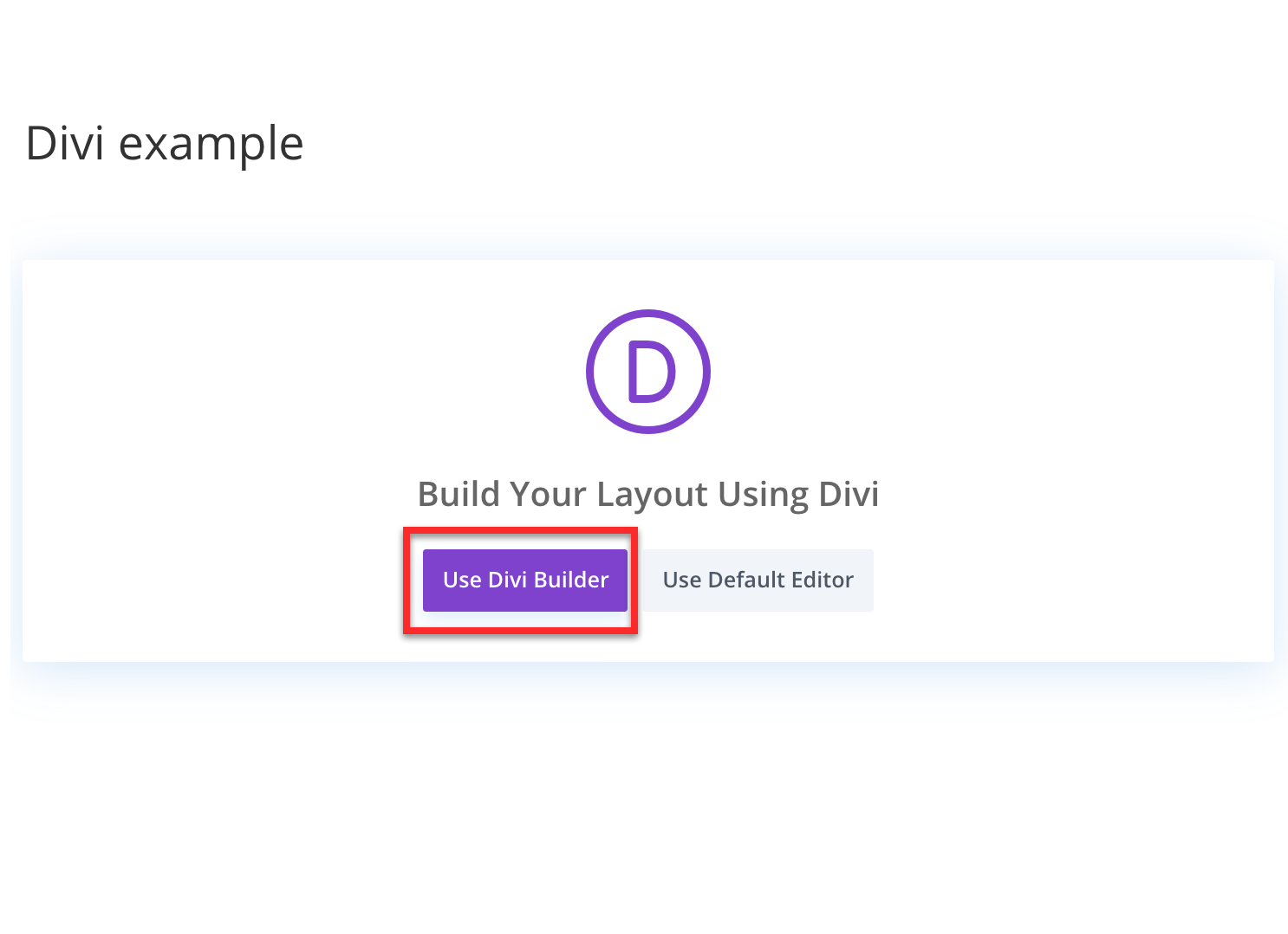
This documentation will show you how to install and use the Divi Content Protection Add-on for MemberPress, which is available with the MemberPress Growth and Scale …
Continue Reading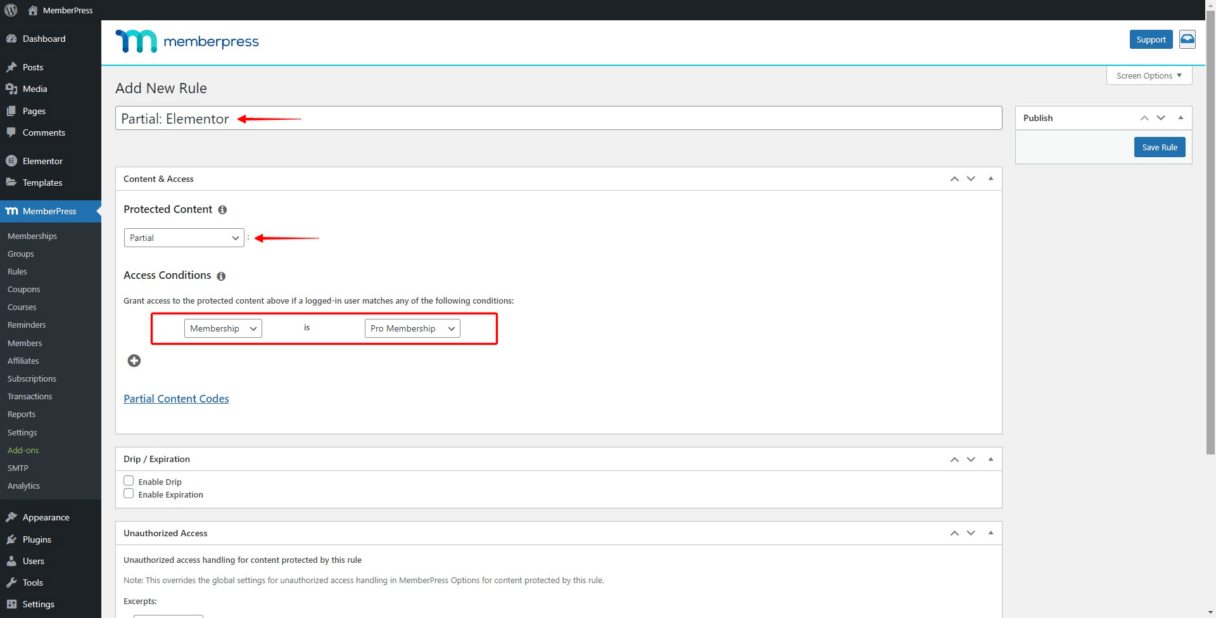
Installing & Configuring our Elementor Add-on
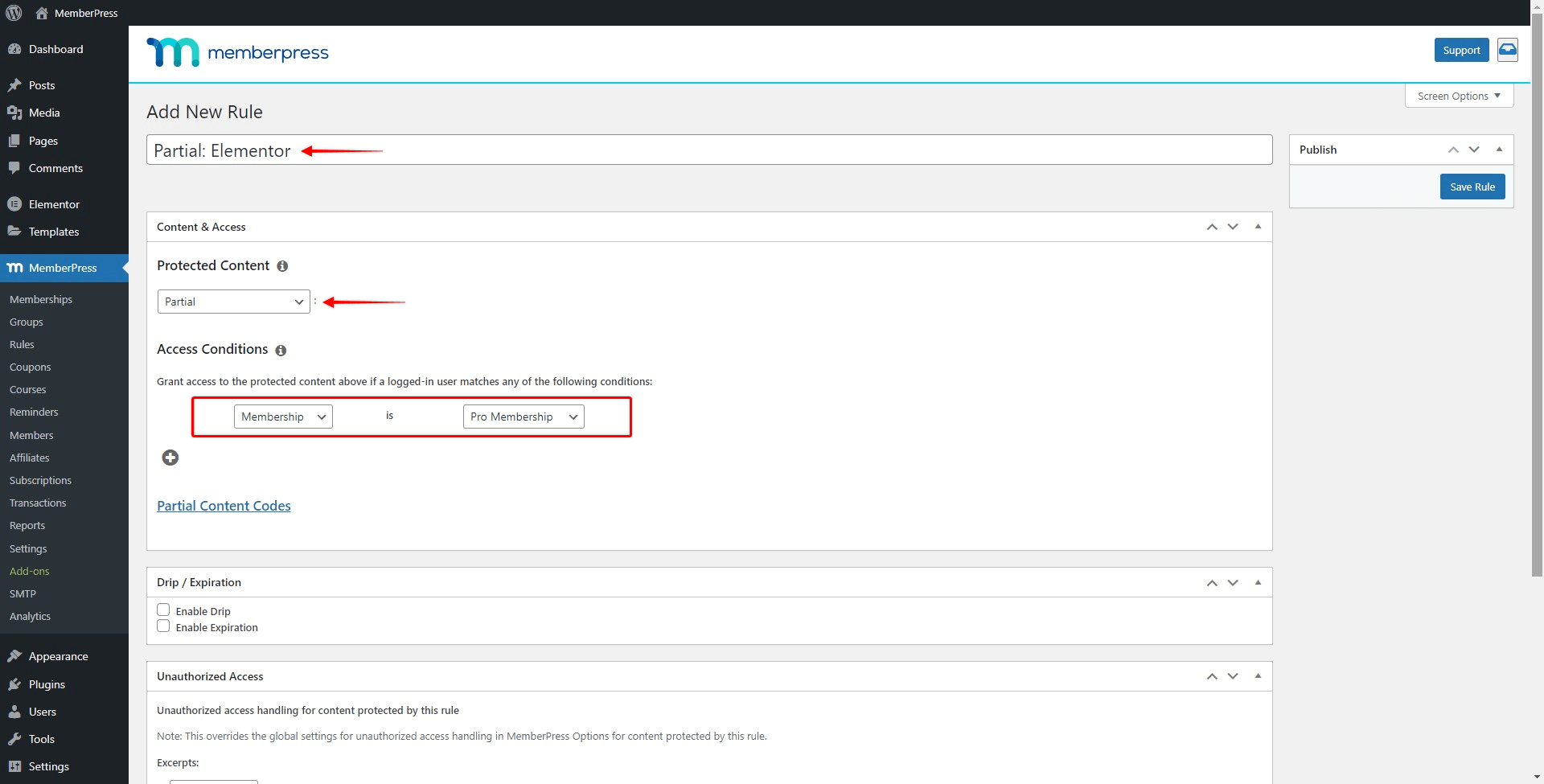
If you designed your website with Elementor page builder, you can protect specific parts of your design only for your members with MemberPress. To do this you will need the Elementor add-on for …
Continue Reading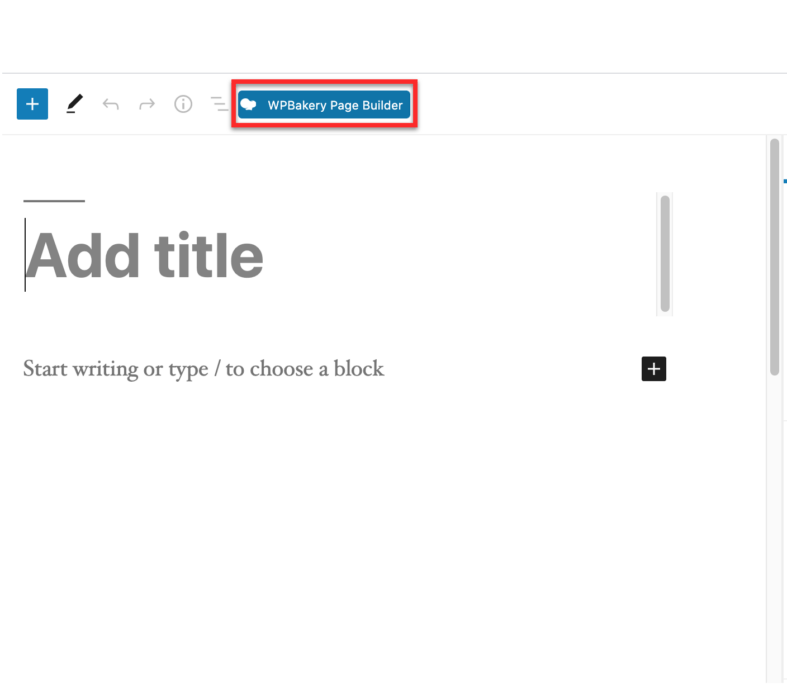
Installing & Configuring our WPBakery Add-on
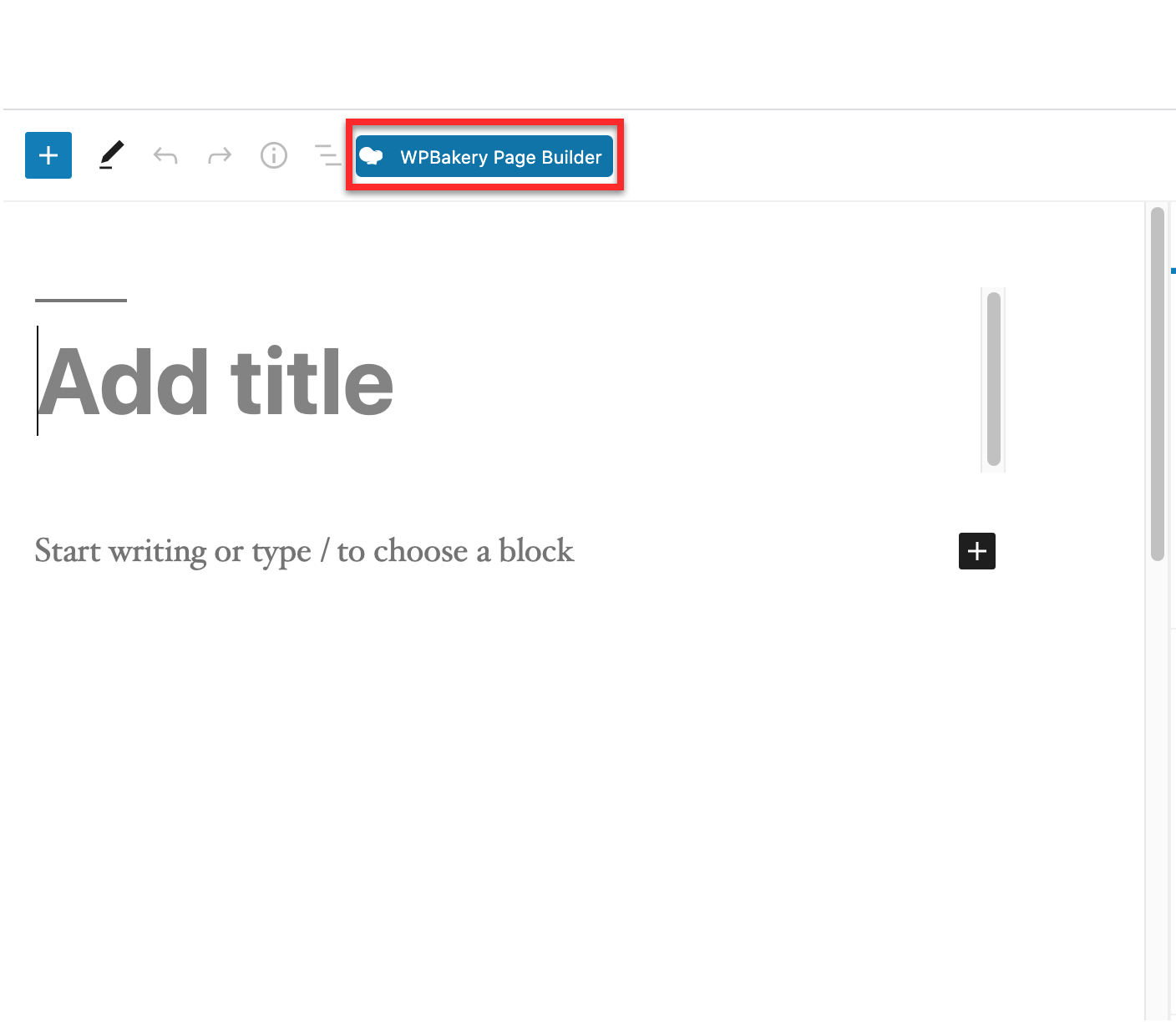
This documentation will show you how to install and use the WPBakery add-on for MemberPress. Installation: To install the WPBakery add-on, you can go to MemberPress menu and click on the …
Continue Reading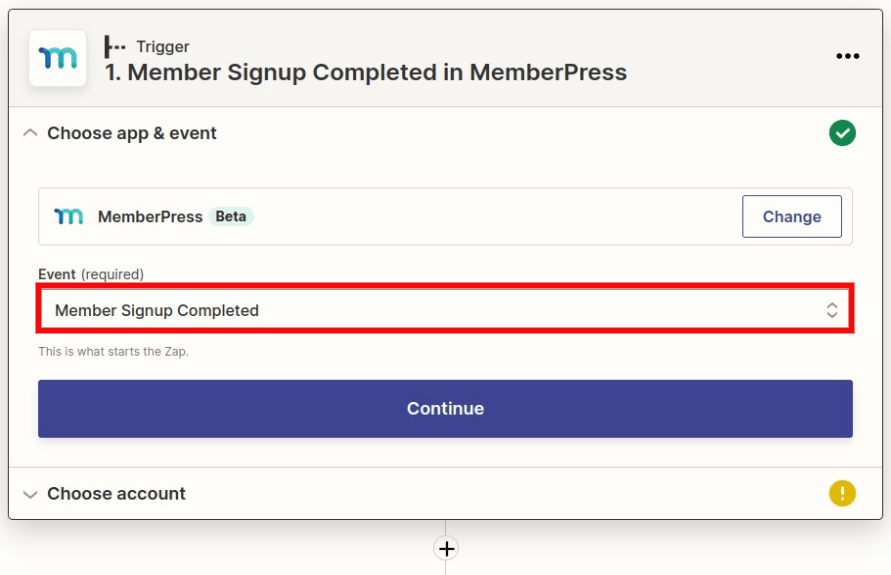
Generate New Coupon After Sign up and Send Email with Coupon Code (Zapier)
Though it's possible to automatically generate a coupon after signup to a specific subscription, this is not an out-of-the-box feature. This document will show you how to set this up via Zapier, …
Continue Reading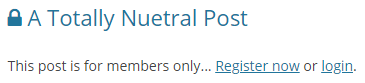
Show LOCK icon by protected posts titles
If you'd like to show a LOCK icon next to the titles of your protected posts in the blog, search results, or archive views, you can do so by following the instructions below. First you'll …
Continue Reading









