

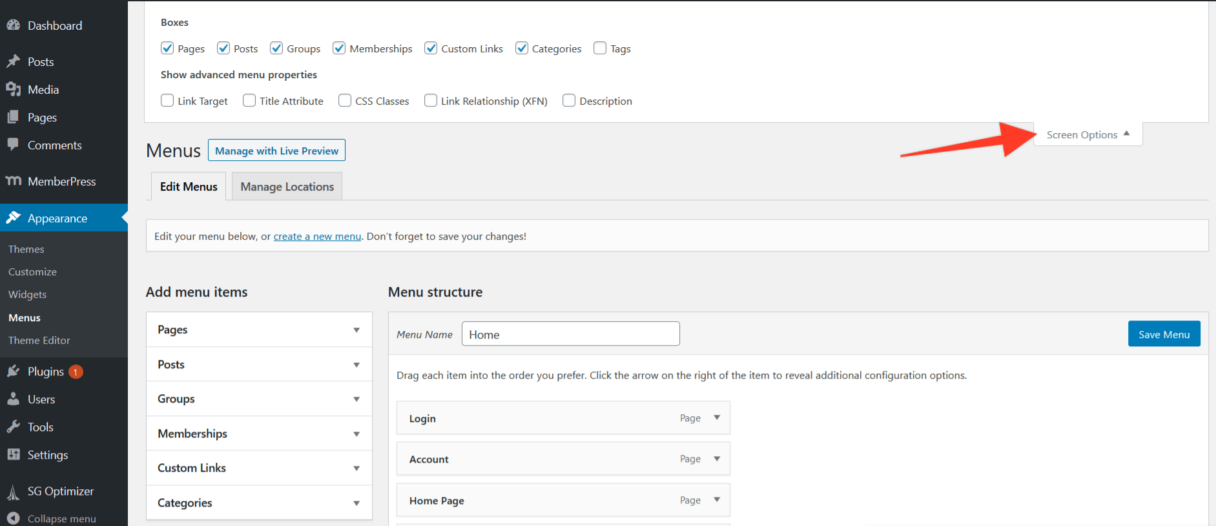
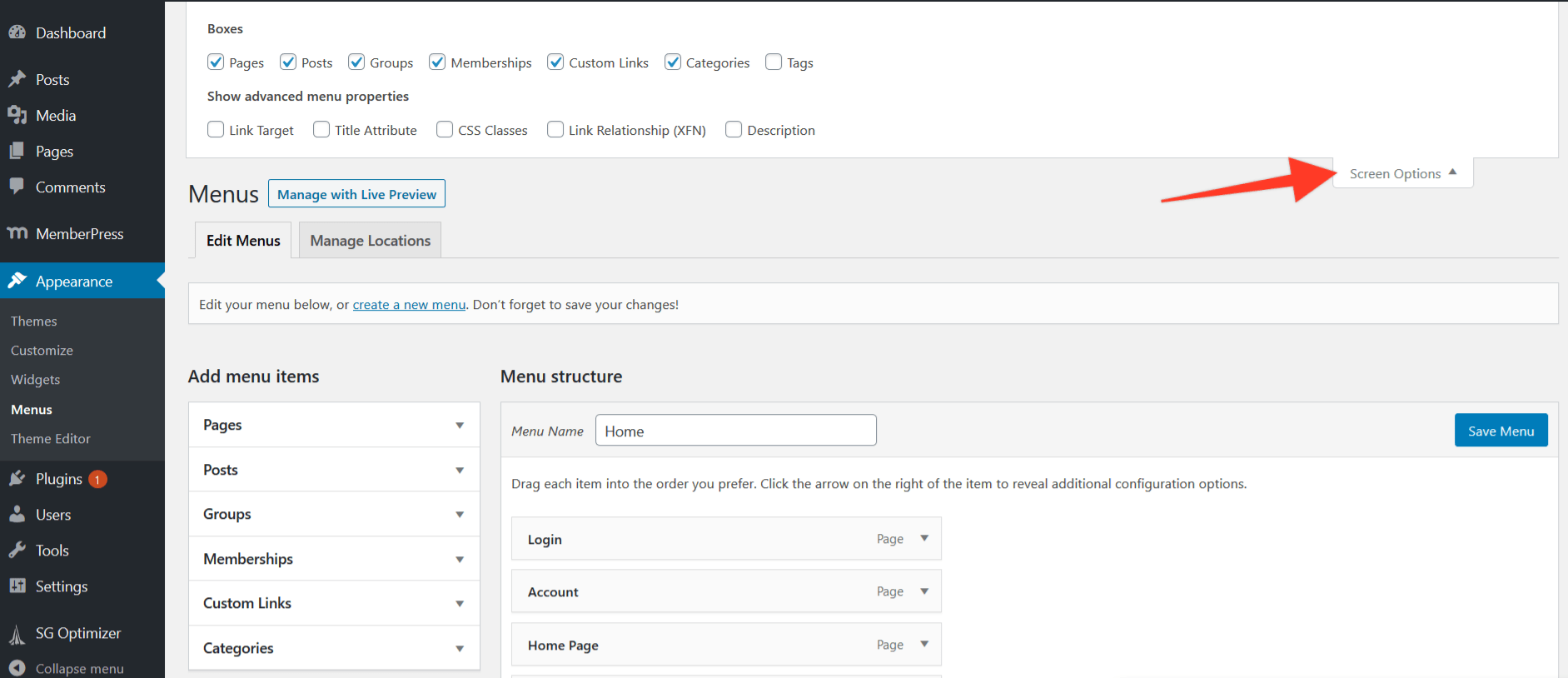
How to add a signup link to your menu. MemberPress automatically sorts and saves your Groups and Memberships to easily add them to your Menus. 1. Navigate to your …
Continue ReadingSubscription Error Message on Account Page
If the above error is appearing on your account page for a user, then this page will help you to know why it's happening, how to prevent it, and how to resolve it. Why It's …
Continue Reading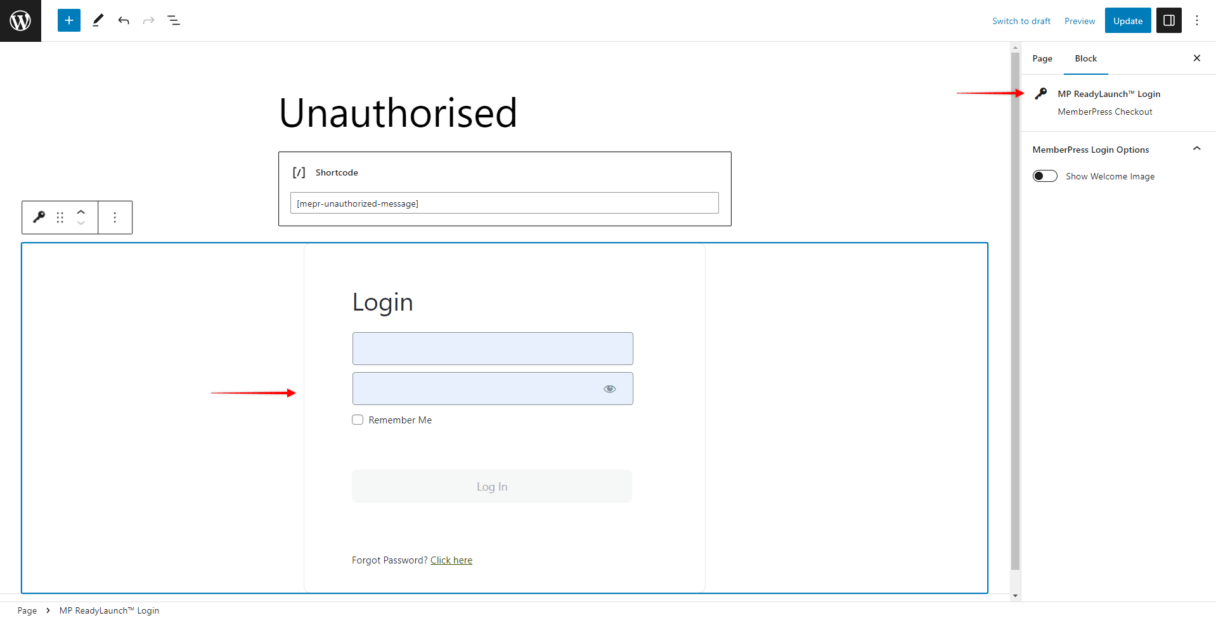
How to display login form and stay on the same protected post/page after login?
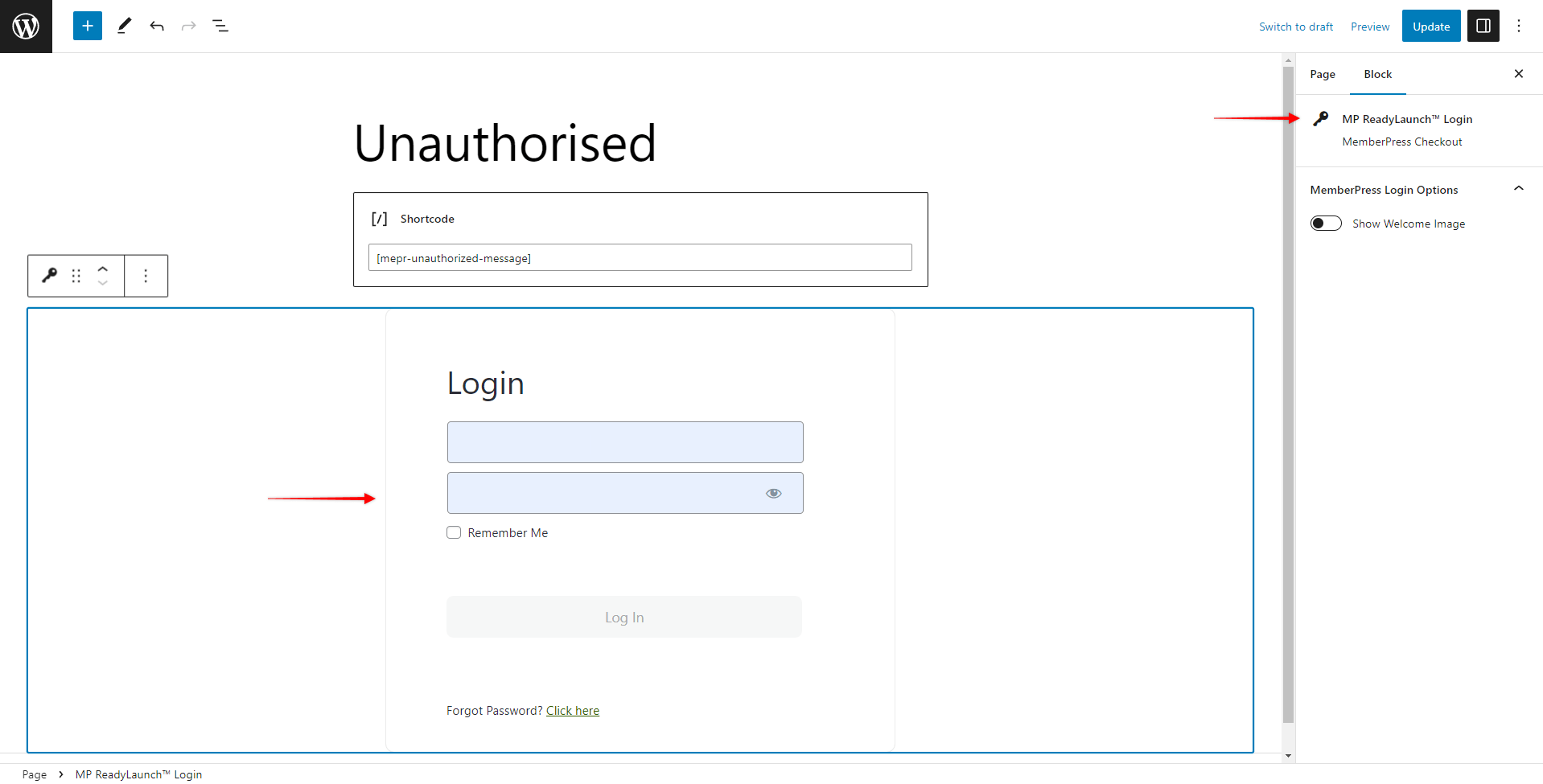
For this example, let's say a user is on a protected post or page and currently is logged out. They must log in through the login link in that post. When this happens, the user is redirected to the …
Continue Reading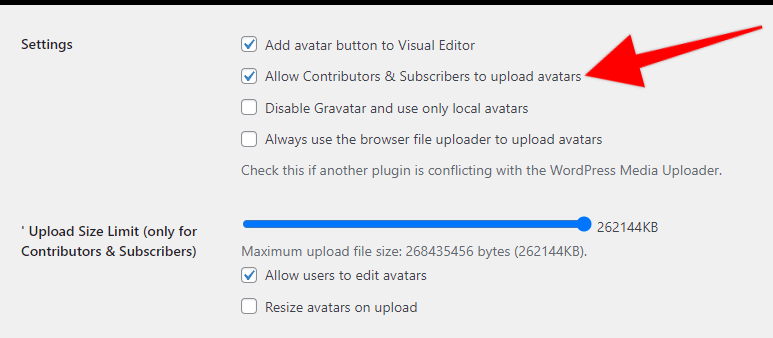
How to Add User Profile Image tab to the Account page?
If you're looking to have a user profile image tab on the Account page where users can easily add their profile image and use it through your website, look no further than theOne User Avatar …
Continue ReadingMemberPress Glossary
The MemberPress plugin and its knowledge base use a number of specific terms. Understanding these terms correctly helps you set up and manage your membership site. This document lists the most …
Continue Reading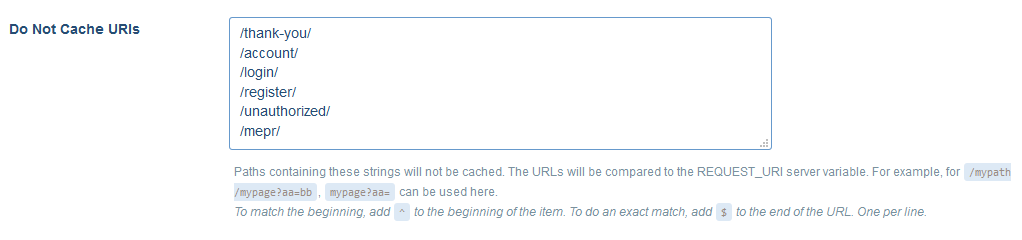
How to Set Up Popular Caching Plugins with MemberPress?
Everyone wants their websites to load as fast as possible, and even Google gives an advantage to the faster-loading websites in the search results. The easy way to achieve that in WordPress is to …
Continue Reading









