

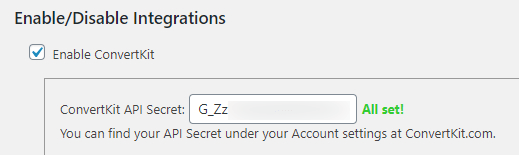
« Configuring the Marketing Tab Install the Kit Add-on To start, you’ll need to install and activate the Kit (formerly ConvertKit) add-on: Enable the …
Continue Reading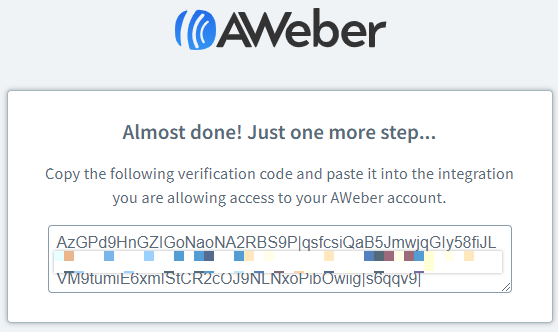
Installation & Configuration of our AWeber Addon
« Configuring the Marketing Tab Step 1 - Install the AWeber Add-on In your WordPress Dashboard, head to MemberPress -> Add-ons and click to install the AWeber add-on. Once …
Continue Reading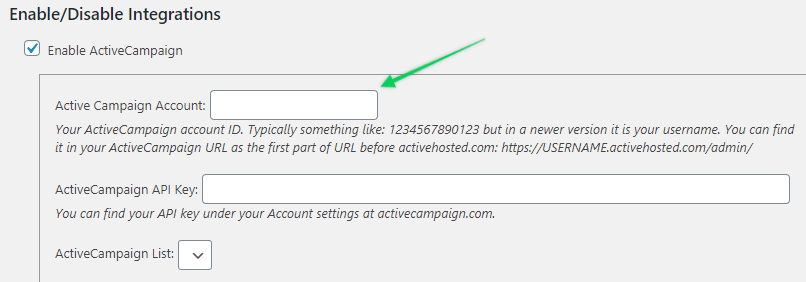
Installation & Configuration of our ActiveCampaign Addon (Lists Version)
« Configuring the Marketing Tab Step 1 - Install the ActiveCampaign Add-on In your WordPress dashboard, head to MemberPress -> Add-ons, and click to install the ActiveCampaign …
Continue ReadingKnown Third Party Integrations
Customization Learning Management Systems Events Booking Appointment/Meeting Booking Achievements/Gamification User/Business Directory Payment Gateways Additional Security Affiliate …
Continue ReadingCan I try the plugin for free?
MemberPress does not offer a free trial period. However, we do offer a 14 day money back guarantee. Feel free to try the plugin out during that period, and if you find it does not fit your …
Continue Reading
Do I need an SSL/TLS certificate to use MemberPress?
While a security certificate is not required, it's definitely recommended. Security certificates are what web browsers look for to place the green lock icon on the left of a site URL. Seeing …
Continue Reading









